All you need to know about HTML5 Video Player can be find in this extension manual. We prepared some videos, tutorials and useful tips on how to use it and a great overview of the features packed in it.
HTML5 Video Player Manual
Detailed Manual for HTML5 Video Player


The Basics: Basic HTML5 Video Player with a Predefined Design
In this tutorial we will show you how to insert HTML5 Video Player on your page using one of the predefined designs
*You can also check out the video.
How to do it
- First, we've created a simple page and now we're going to insert the HTML5 Video Player from the HTML5 Video Player menu.
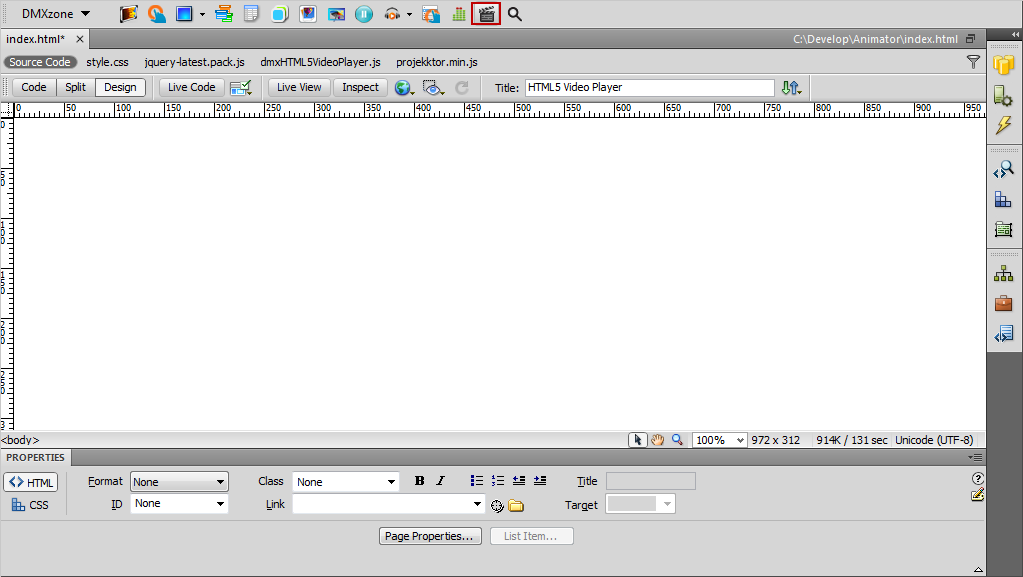
- For our HTML5 Video Player we'll
use the Maccao skin, which is one of the predefined designs in the
extension.
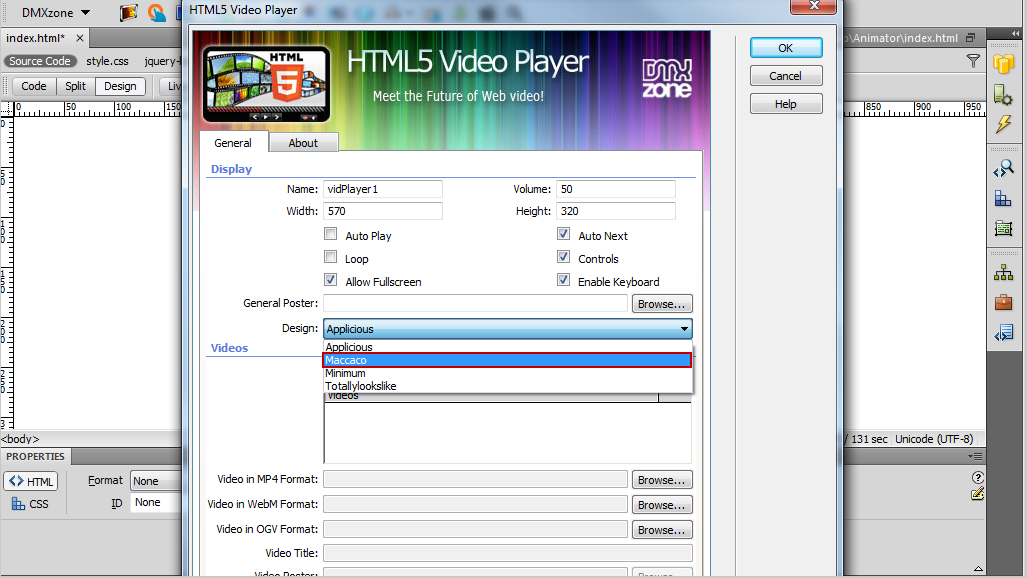
- We'll import a single video for this tutorial, but you can
always import a whole folder.
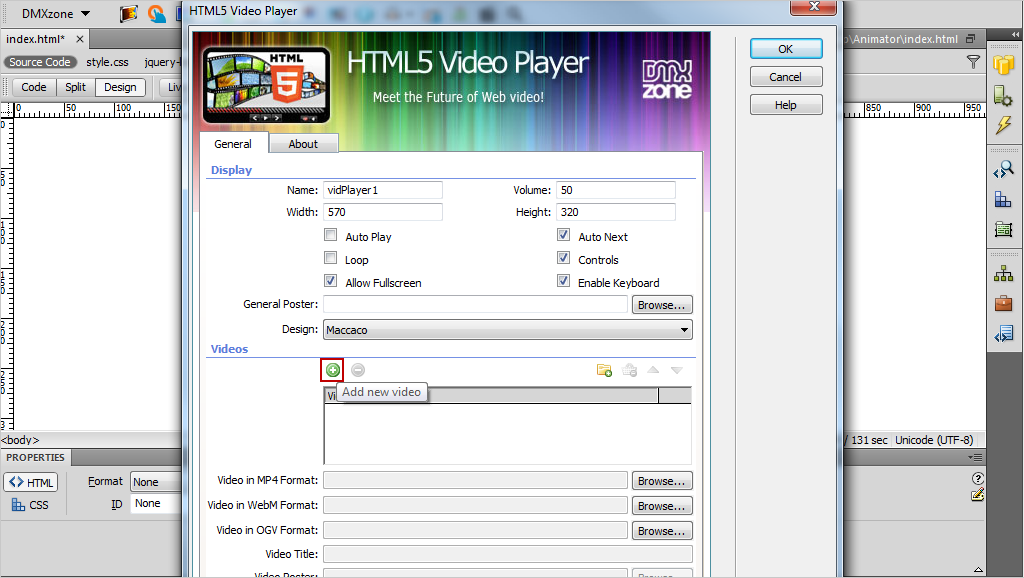
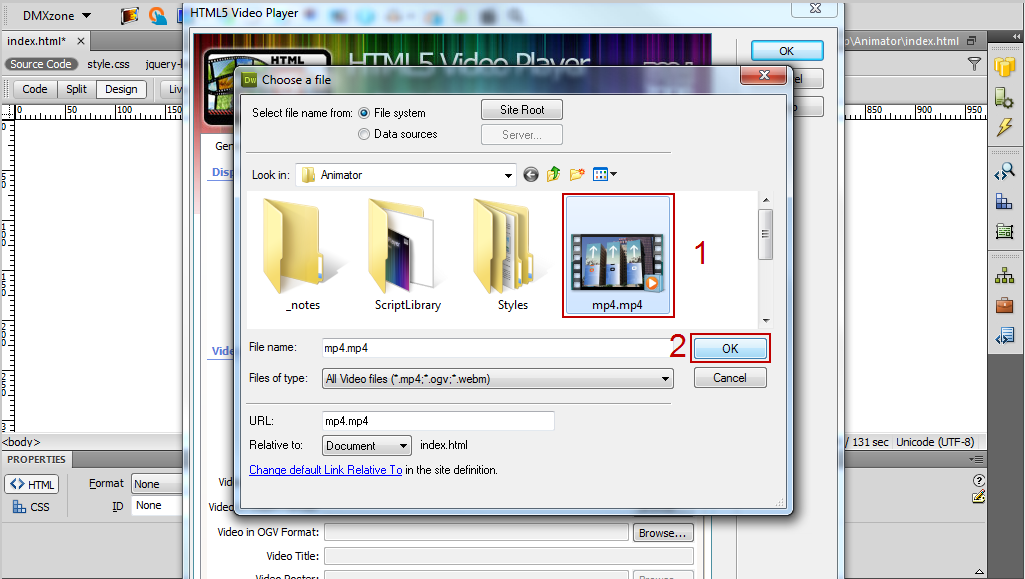
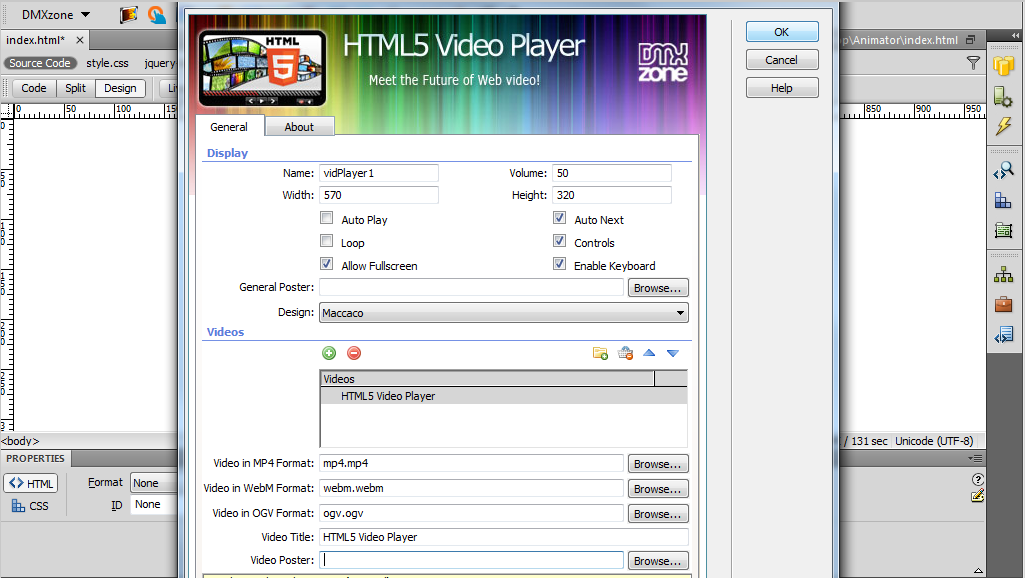
For each video you can add a title.
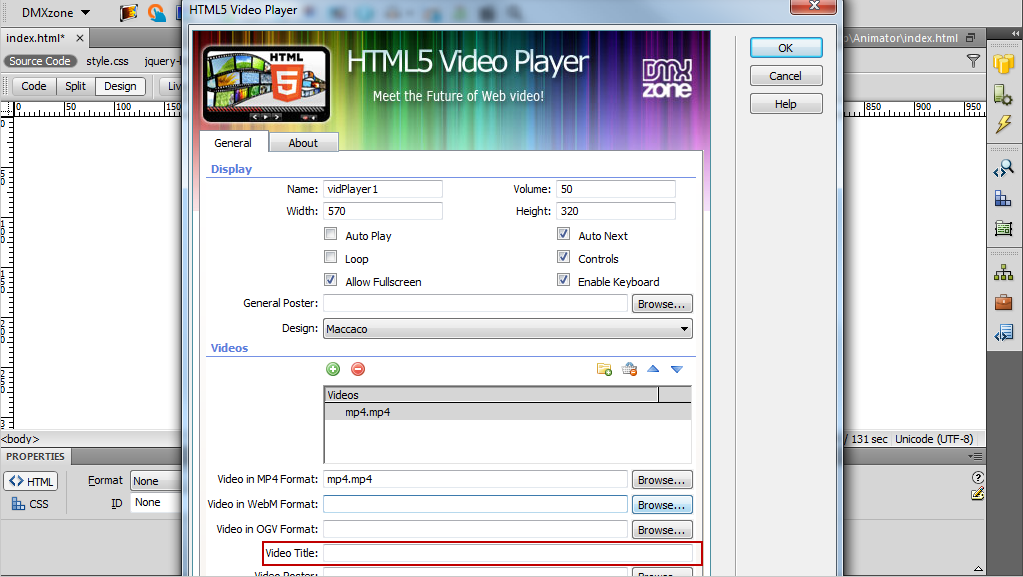
- You need 3 versions of your video in order to play it in every browser, even on ancient ones. After encoding it, browse the file and place in the field.
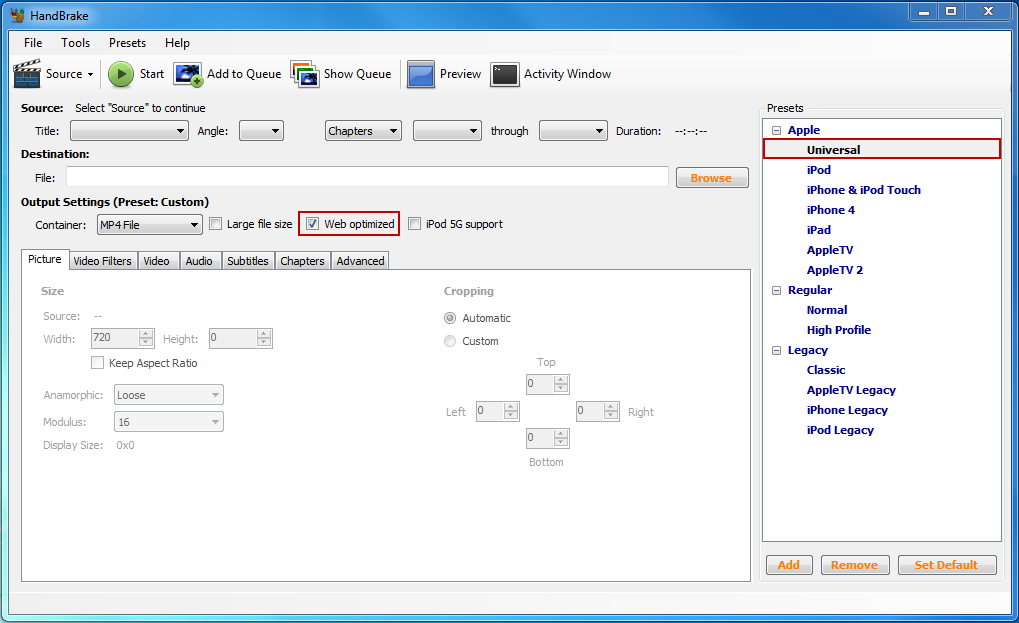
- MPEG 4 format
- We used HandBreak video
converter with Universal preset and Web optimized option
checked.
- WebM format - Miro Video Converter
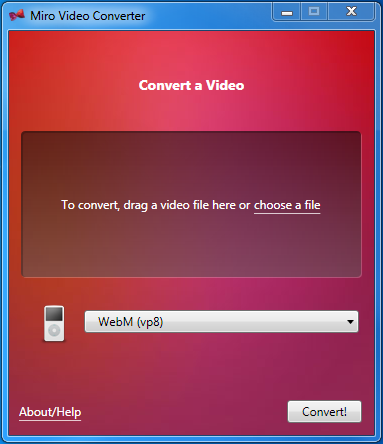
- OGG format - Miro Video Converter

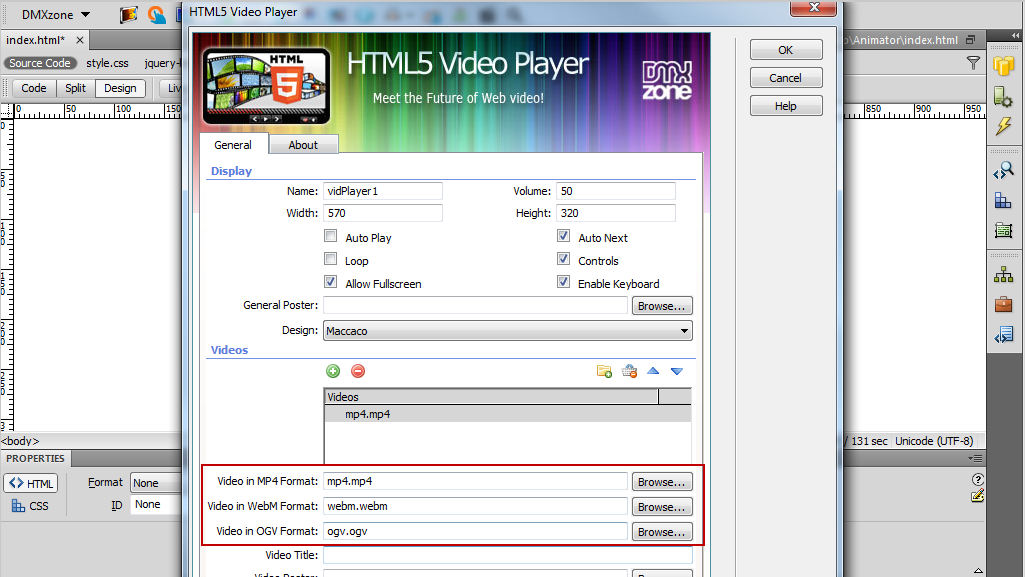
- When you're done, click the OK button.
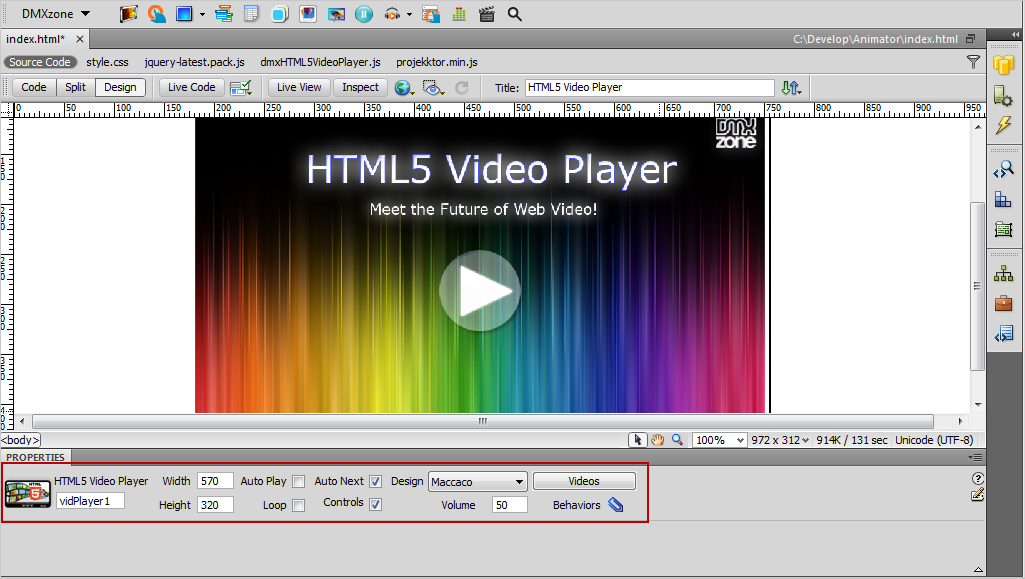
- Later on, you can change your settings quickly from the property inspector. Now, you can preview your video in a browser.
Comments
audio?
You must me logged in to write a comment.