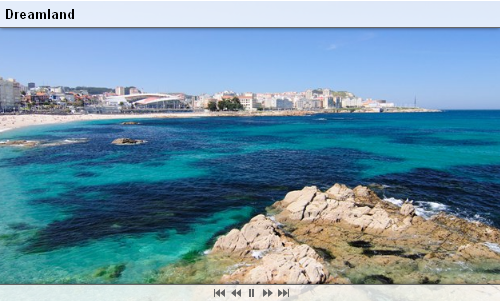
Bring your photos to life in an amazing HTML5 slideshow in
Dreamweaver. The Slideshow photo gallery is built with jQuery, is CSS
based and uses HTML5 W3C standard elements like the Canvas and CSS3
Transitions, when available, for the highest animation quality and no
Flash at all – so it runs on all iDevices smoothly!
Choose
amazing effects from the famous director, Ken Burns to slowly zoom and
pan across your photos, or use the many transitions available. The
slideshow includes navigation controls in many styles so it perfectly
fits your site.
Amazing Ken Burns moving effect – It enables a widely used technique of embedding still photographs in motion pictures, displayed with slow zooming and panning effects, and fading transitions between them.
Extensive Random Ken Burns - Now you can not only choose a random start and end position for the Ken Burns effect but also a random start and end factor!
HTML5 Animations with Canvas, CSS3 and jQuery – No Flash required!
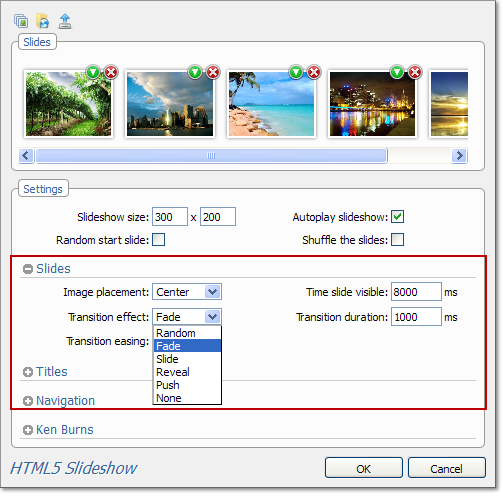
Rich choice of slide transitions – You can choose between Fade, Reveal, Push, Slide or Random transition for your slides.
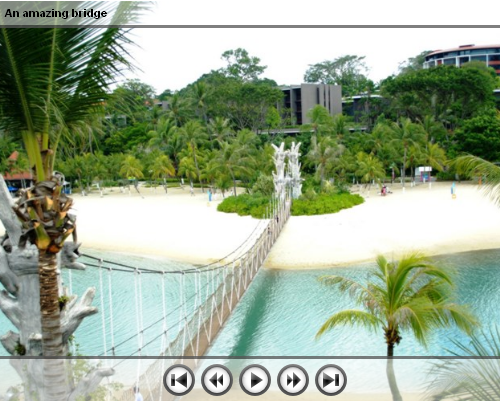
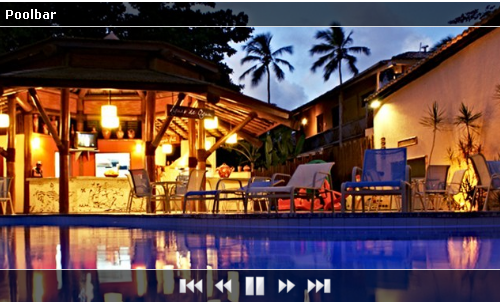
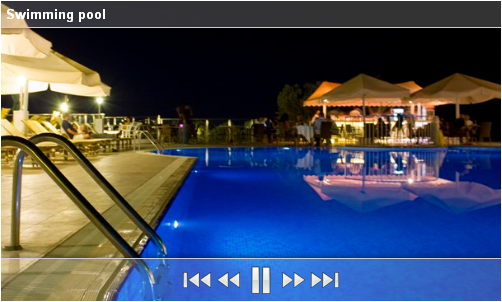
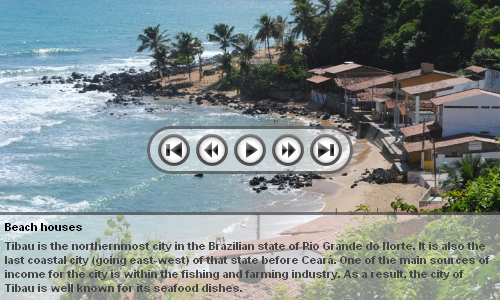
Cool looking navigation control - Available in many styles and fully stylable with CSS.
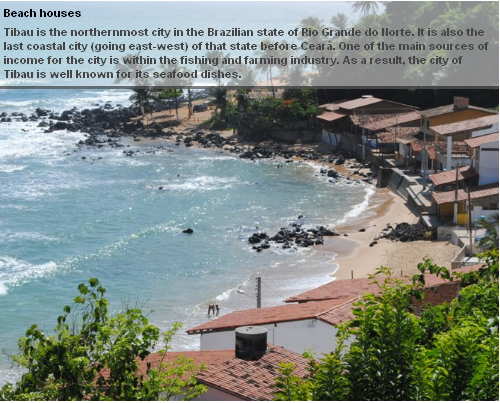
Title and description for each slide - A cool title and description can be displayed as additional slide info.
Full control of the position of title and description as well the navigation controls
Discover the power of HTML5 Canvas control - When available it is used to display the Ken Burns effect providing you the best quality ever.
CSS3 Transforms are used on iDevices like iPad and iPhone - Take advantage of the build in hardware acceleration and give you the maximum performance and greatest experience.
You can make HTML5 slideshows directly from dynamic sources like a Recordset, an RSS/ATOM Feed fetched with Feed Genie ASP/PHP, or even a Spry DataSet! By combining HTML5 Slideshow now with Feed Genie ASP/PHP, you can make slideshows directly from your Picasa / Flickr Photo Albums! Or just choose the featured photos!
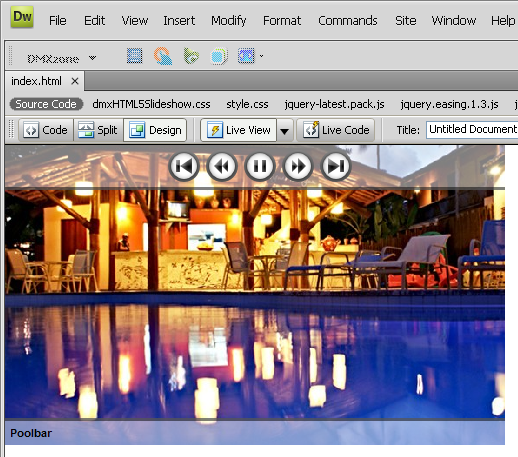
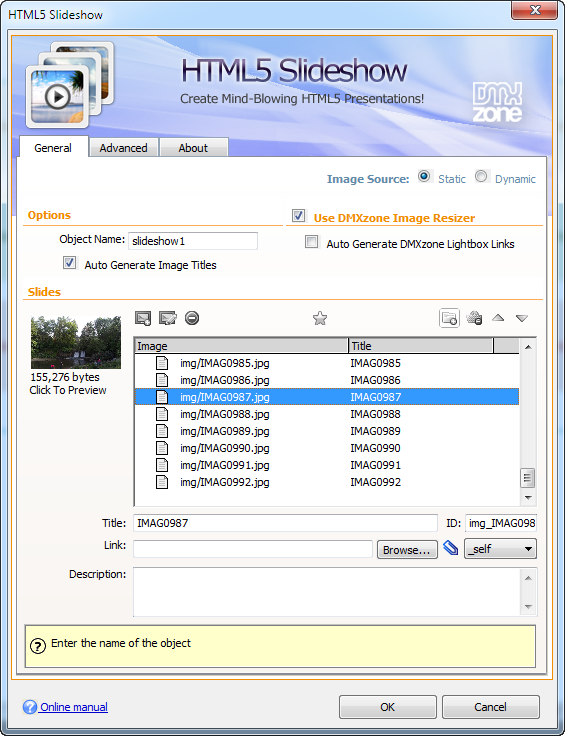
Live preview of the total slideshow in Dreamweaver - With a single click on the preview button you can see a preview of your complete slideshow.
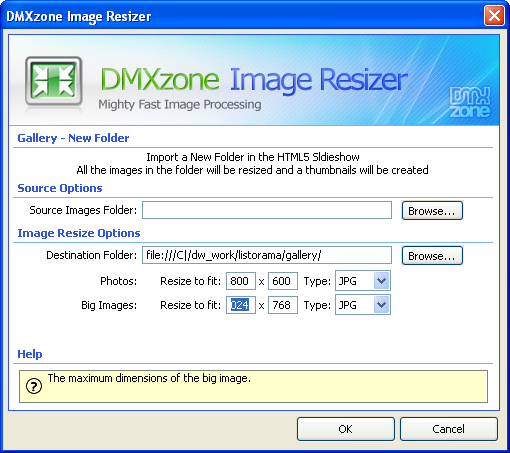
Integrated DMXzone Resizer - Now resizing all your images super fast to a regular size for the slideshow and bigger size for display the image in DMXzone Lightbox.
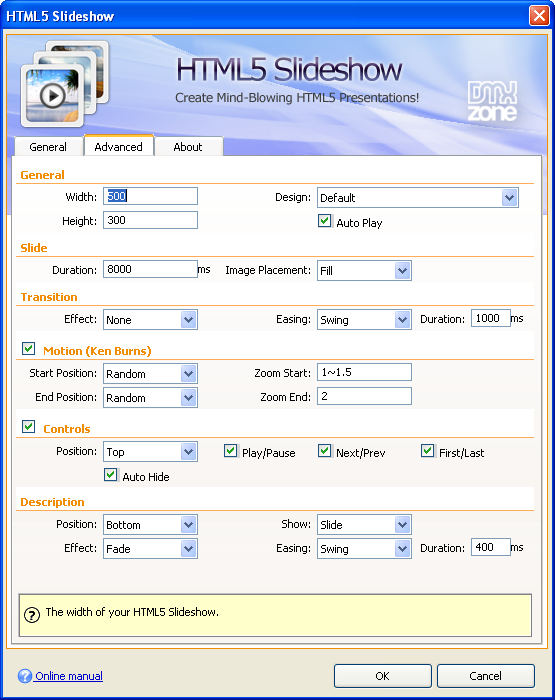
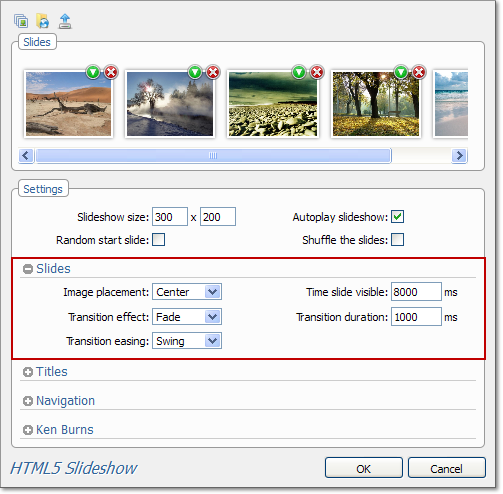
Timed transitions on slides and text - You can specify the duration of the slide, the text and the transitions.
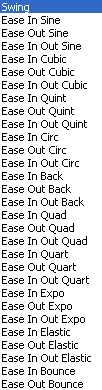
Easing enables special movement effect - Apply easing to your transitions. This way you can create effects such as elastic movement, accelerated movement and much more.
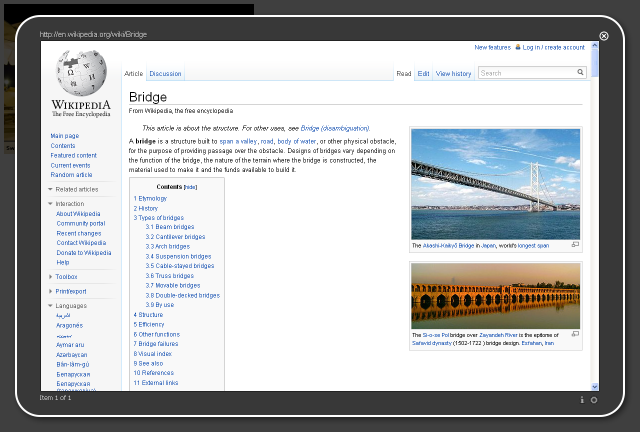
Add clickable links to your slideshow - You can add link to every image of you slideshow. If you have the DMXzone Lightbox extension installed you can automatically generate Lightbox links.
Great Dreamweaver Integration - Interactive dialog in Dreamweaver with all the options you’ll need.
An inline property inspector - The property inspector enables you to change several options after you’ve created the slideshow
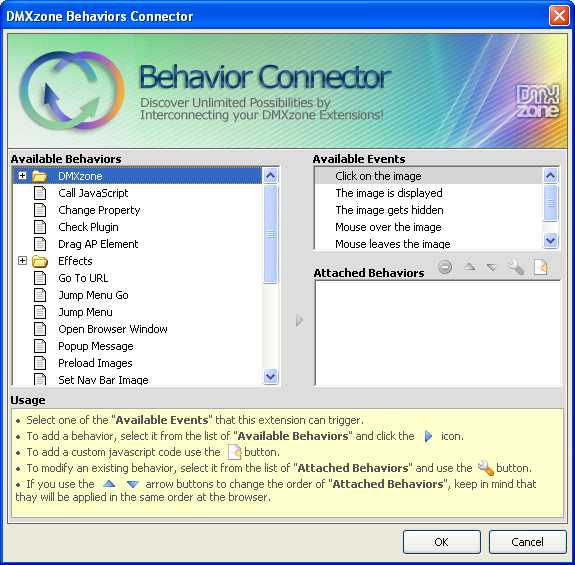
Fully Controllable by behaviors - You want to navigate to specific position, start or stop the Slideshow - it can be easily done with the Control HTML5 Slideshow behavior.
Search Engine Friendly - HTML5 Slideshow is made in just HTML5, CSS and jQuery it can be nicely indexed by all search engines and web spiders.
Fully cross-browser compatible - Create stunning slideshows even in Internet Explorer thanks to the DMXzone’s clever use of feature detection and fall back. For example when the HTML5 Canvas control is available it is used, but when it is not available the slideshow falls back to use regular image tags.
Advanced HTML Editor 3 Integration
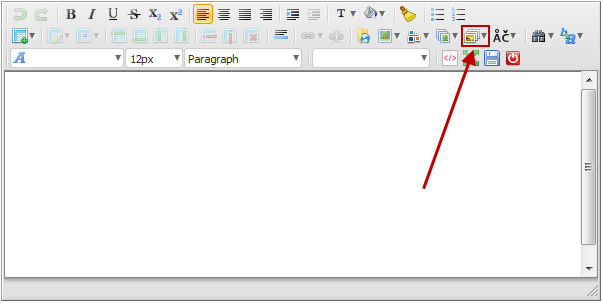
HTML5 Slideshow and Advanced HTML Editor 3 integration - Have a look at our HTML5 Slideshow fully integrated into the Advanced HTML Editor 3.
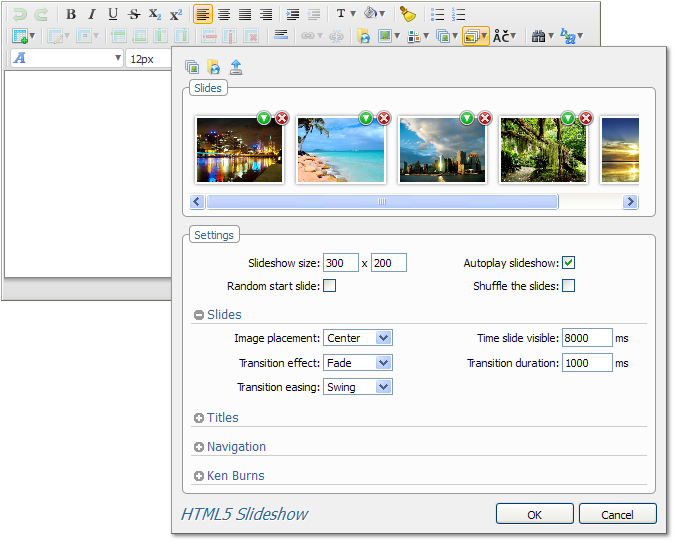
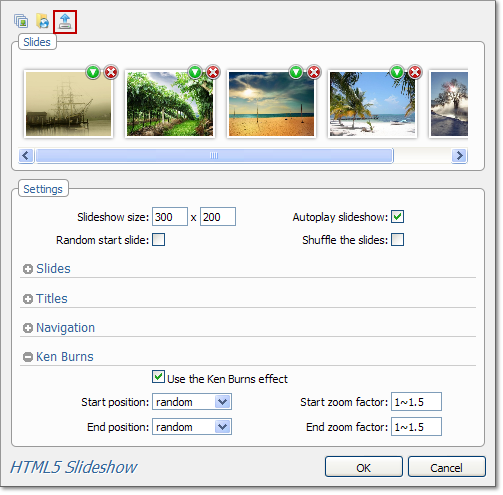
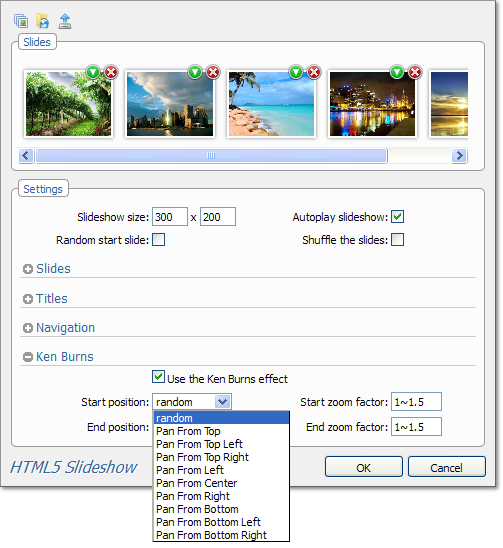
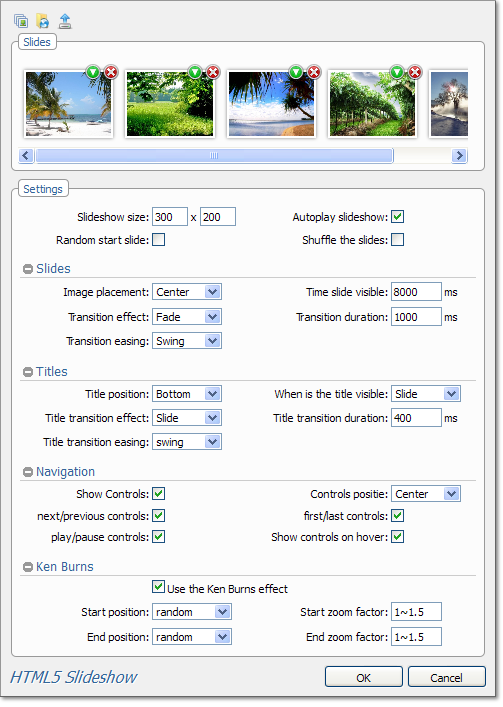
Expandable options dialog - Collapse and expand the options you need for your slideshow.
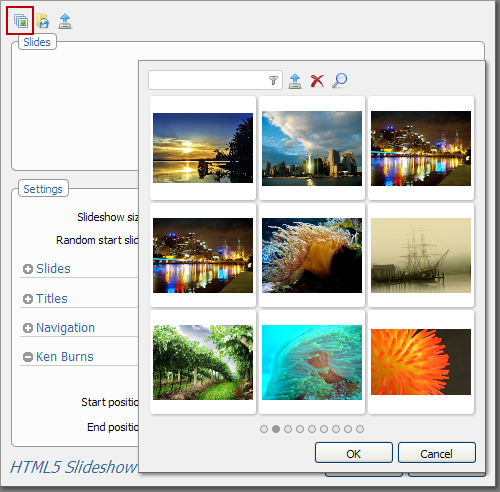
Image upload from your Image Gallery Add-on - If you have the Image Gallery Add-on set in your editor, you can upload from the gallery the images that you've selected.
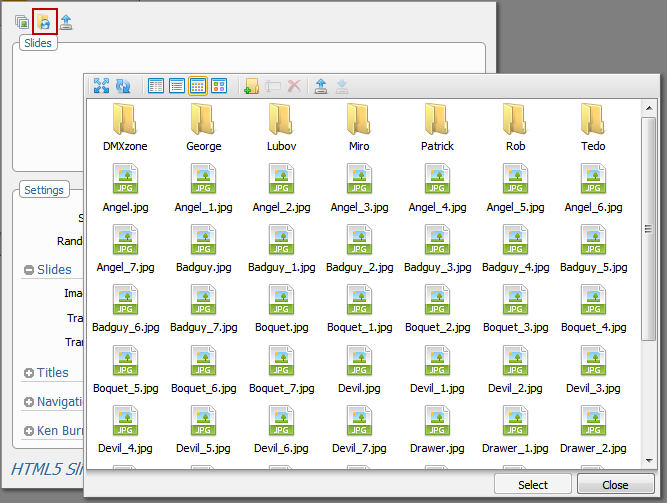
Images upload from your File Manager Add-on - If you have the File Manager Add-on set in your editor, you can select the images directly from the manager.
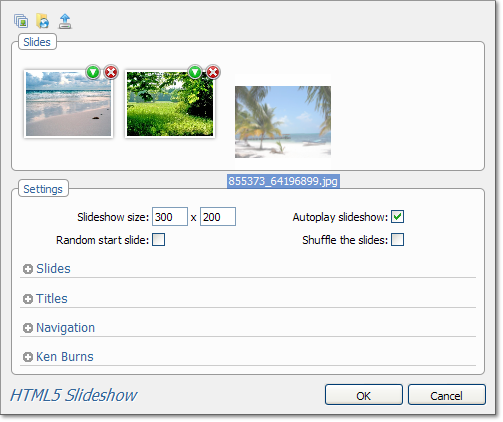
Drag
& Drop (Firefox and Chrome) - Drag one or many images from your personal
folders and drop to upload them automatically for the slideshow.
Timed transitions on slides - We offer various combinations of transition effects, image placement and transition duration for your slides.
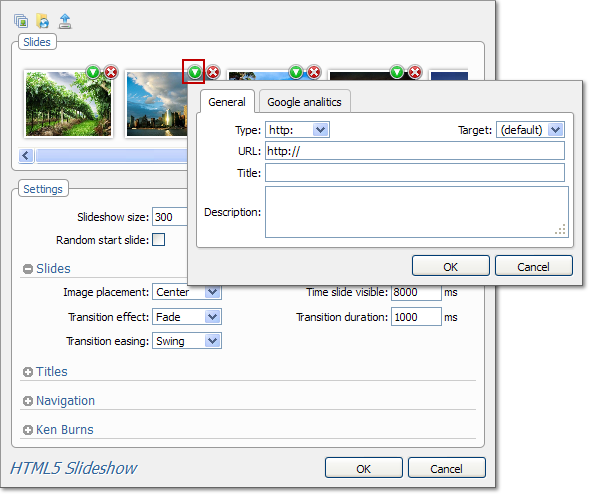
Title and description
- You can add title, URL and description to the images that you've
uploaded. Once you've done it edit the title position, transition effect
and duration in order to create the slideshow that you've always
wanted.
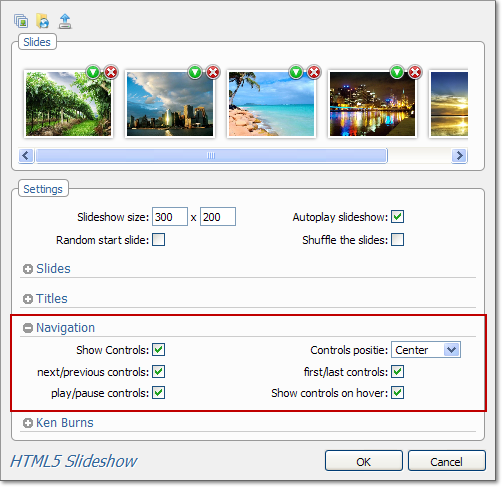
Navigation - You can choose which type of control to enable in your image sliders.
Ken Burns effect - The HTML5 Slideshow will allow you to useKen Burns effectand edit its position and zoom factor.
Fully editable settings
- If you decide to change any setting at some later point, you can do
that from the user friendly interface, where you can set up how the
navigation will work and many other options.
Full Dreamweaver CC and Extension Manager CC support
Included new Behavior Connector with restyled UI and better Mac OSX Support
Updated the automatic file copy and update component for better Dreamweaver CC support
Improved compatibility with the latest jQuery
Included latest jQuery 1.10.1
Improved Windows 8 compatibility
Version 1.2.3
New integration with File Genie ASP/PHP! Now you can use any folder as dynamic image source!
Improved integration with dynamic data
Improved DW integration
Improved installer for DW CS6
Version 1.2.2
New responsive capabilities! Now you can specify width 100%,image
placement fill or fit and the slideshow will automatically resize itself
to fit your desktop or mobile device browser!
Improved behavior connector events and compatibility with the latest jQuery
All options in Dreamweaver now generate valid JSON config
Version 1.0.6
Included latest jQuery 1.6.3
Fix for fade effect in older Internet Explorer versions
Version 1.0.5
Improved Dreamweaver UI
Smaller JavaScript files by better compression
Improved jQuery version recognition and include
Improved related files include method
Improved working in Dreamweaver templates
Compatibility now with site root relative links Dreamweaver option for making all includes site root relative
Version 1.0.4
Included new jQuery 1.4.4
Improved depended file includes
Improved includes and cleanup of styles
Version 1.0.3
You can make HTML5 slideshows directly from dynamic sources like a Recordset, an RSS/ATOM Feed fetched with Feed Genie ASP/PHP, or even a Spry DataSet!
By combining HTML5 Slideshow now with Feed Genie ASP/PHP, you can make slideshows directly from your Picasa / Flickr Photo Albums! Or just choose the featured photos!
Optimized image preloading
Native support for Spry as data source
Version 1.0.2
Improved IE positioning and Ken Burns
Improved iPad support, now the slideshow is smoother and faster than ever!
Smart linking to case sensitive styles folder
Version 1.0.1
New option for starting with random slide
New option to shuffle the slides first
Update Procedure:
Just open a page using the HTML5 Slideshow.
You will see a progress bar indicating new files are being copied. After
that a dialog will popup with the list of the new files. Depending on
if you have remote site defined and you have site synchronization
enabled, the files will be automatically synchronized or you will be
presented an option to upload all files.
George Petrov is a renowned software writer and developer whose extensive skills brought numerous extensions, articles and knowledge to the DMXzone- the online community for professional Adobe Dreamweaver users. The most popular for its over high-quality Dreamweaver extensions and templates.
George is also the founder of Wappler.io - the most Advanced Web & App Builder
HTML5 Slideshow does not disappoint! It took less than 5 minutes to go live with our first slideshow... this tool is just what we are looking for to replace our flash animations.
The extension is loaded with additional features that we hadn't event thought of but will be great for flexibility in the future.
Excellent work, Excellent Support... and a great value for the price.
One suggestion for the title of the popup (enlarged picture). There should be the title of the picture instead of the path/filename. One small thing: Carful with UTF-8. in my case the meta tag came after the numerous javascript includes, so that the names with special characters were displayed incorrectly:
We are moving our web animations away Flash, so that we can be more compatible with mobile devices, so were looking for a good replacement.
Came across HTML5 Slideshow, and love it! Works great, and is very easy to configure, unlike Flash that can take hours to do the very same thing! Now, we can update images all we'd like without having to fight programming in Flash! Sweet!
There were some issues with the initial release, but, they were all over getting the bugs worked out and releasing new updates in a super timely manner! These guys are on the BALL!! It should get a 5 star rating, just on their support service alone!
The ONLY thing keeping me from giving it a complete 5 star rating, is that I'd really like individual control over each image, so that we can pan right on one image, and then pan left on the next image, or what-have-you... Otherwise, this is simply awesome!
Again, their support deserves absolute KUDOS for working out the bugs so effectively!! Great job, guys!!
Great plug in. On my wish list would be to have control over at least the first slide so that I can have it linger longer as a still image at first and then have it start to move. How hard would that be? ;-)









 George Petrov is a renowned software writer and developer whose extensive skills brought numerous extensions, articles and knowledge to the DMXzone- the online community for professional Adobe Dreamweaver users. The most popular for its over high-quality Dreamweaver extensions and templates.