Ajax AutoComplete Manual
A detailed information about the Ajax AutoComplete extension
How many times have you struggled with entering long lists, while you had to lookup a product or country? AJAX AutoComplete will make your life easier. Your user can get a filtered dropdown with choices after entering a few characters, enabling quick search and selection without having to enter long text.


Advanced: Editing the Field with the Property Inspector
Introduction
In this chapter we're going to edit the properties of the AutoComplete field using the property inspector of Dreamweaver. Click on the preview of the AutoComplete field in the design view to display its properties. Below is a screenshot of the property inspector.
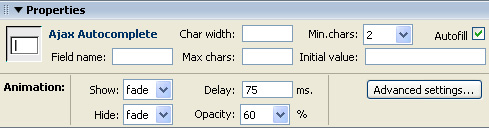
The Property Inspector
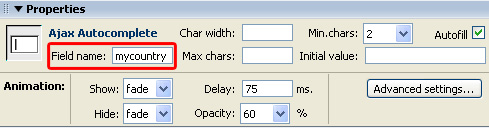
1.Setting the basic options - The Field name is used to identify the field, make sure it is unique for every field you use, we'll set it to "mycountry" so we can identify it later.
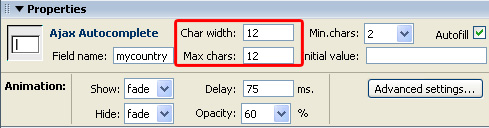
2.Char width sets the width of the entry field and Max chars determines the maximum number of characters that can be entered, we'll set them both to twelve.
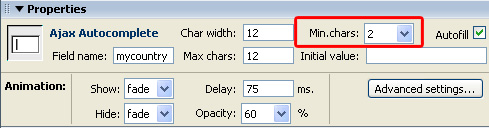
3.Min. chars determines the minimum number of characters that needs to be entered.
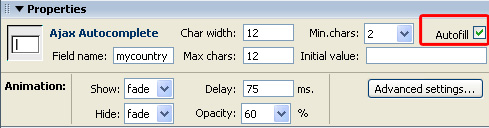
4.Check the Autofill option to set the AutoCompletion of words when typing in the entry field (it is the equivalent of the Autoselect first suggestion option in the main menu).
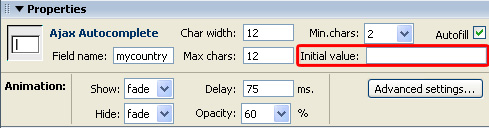
5.The Initial value sets the default value that is entered in you field, we'll leave it empty.
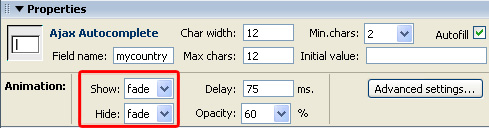
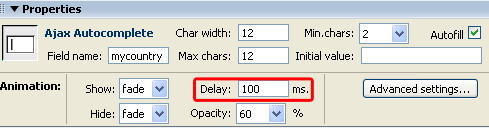
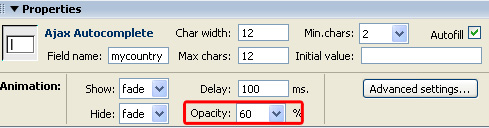
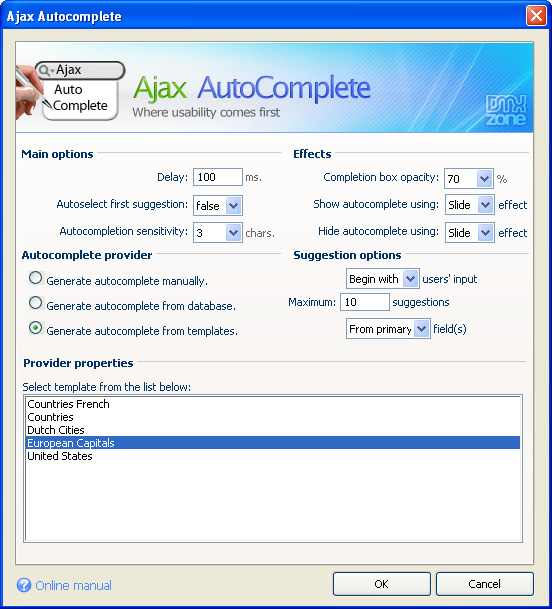
9.Press the Advanced settings… button if you want to edit the main options, such as the Autocomplete data provider.