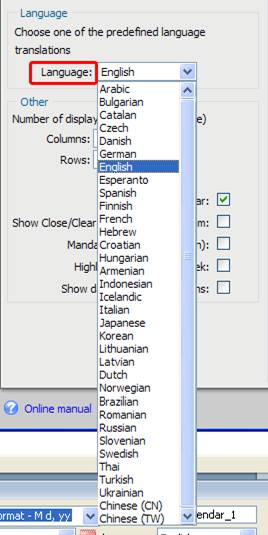
No matter where on the planet you are, the calendar speaks your language - supports 35 languages.
DMXzone Calendar Manual
Add a great looking calendar with many different styles and effects on your sites
The DMXzone Calendar extension enables you to add a great looking
calendar with many different styles and effects on your sites. Enrich
any form used for events, appointments or birthdays. Use it as a date
picker or inline calendar with its unique design and in flight
animation options. Embed multiple calendars, select date ranges, and
limit the selection to specific dates.
No matter where on the planet you are, the calendar speaks your language - supports 35 languages.
No matter where on the planet you are, the calendar speaks your language - supports 35 languages.


The Basics: Setting the Appearance of the Calendar
Introduction
In this tutorial we will explain how to set the Appearance of your calendar.
Insert the DMXzone Calendar on your page. All the settings in the first tab are also displayed in the preview window of the extension.
- Define your site in Dreamweaver
and Create a new page
Define your site in Dreamweaver and choose the option to create a new page. You can read more about this at this page.
- Applying the extension
Choose the icon from the DMXzone object bar to
apply the extension. The following popup appears:
icon from the DMXzone object bar to
apply the extension. The following popup appears:
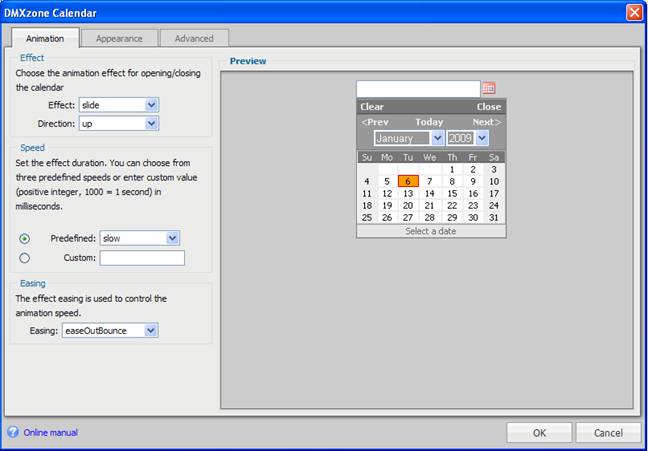
- At the Appearance tab
We can choose the Skin of our calendar.
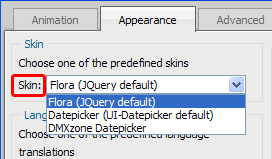
We can pick from:
Datepicker
Flora (Jquery
default) (UI-datepicker default) DMXzone
Datepicker
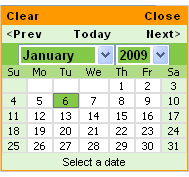
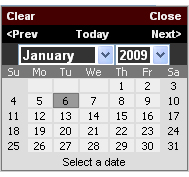
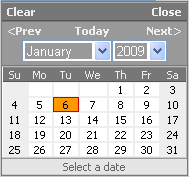
We choose the Flora (Jquery default).
- We can also choose our Language from over 30 languages. We leave to English.
- Under the Other heading, you can
choose how many months you want to display at once as well as how to
display them by Rows and Columns.
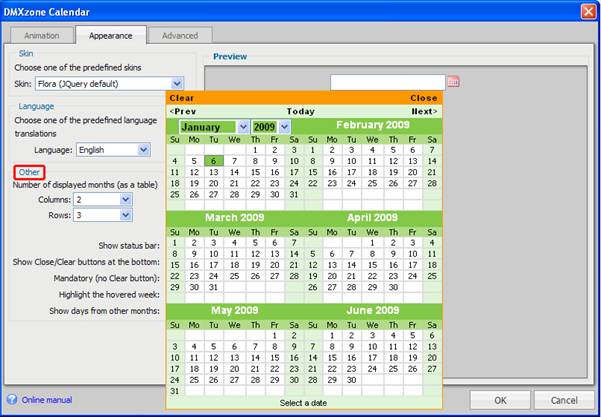
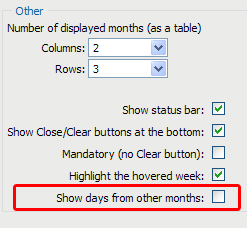
We set the Columns to 2 and Rows to 3. Now we have 6 months showing
Take a look at these optional settings as well.
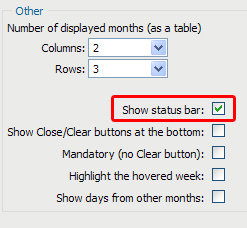
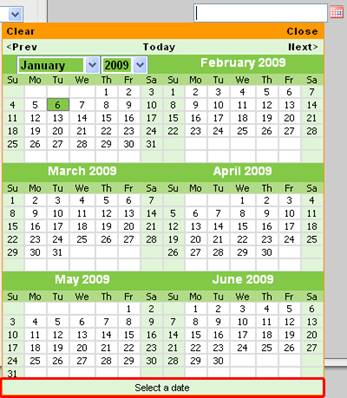
You can choose Show status bar. We check that.
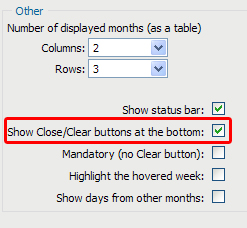
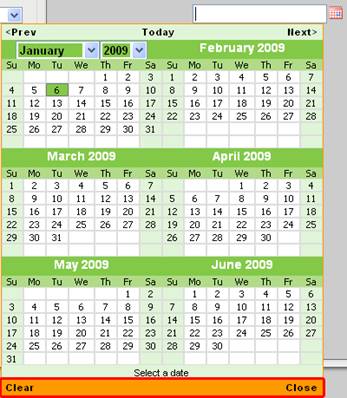
You can Show Close/Clear buttons at the bottom. If you don't check this option, they will stay at the top by default. We also check this option.
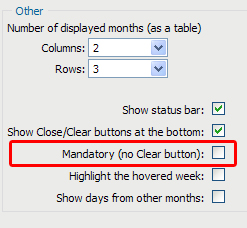
If you check Mandatory (no Clear button), you will not be able to clear the date you have chosen from the top field but only replace it with another. We leave this unchecked.
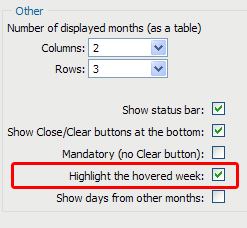
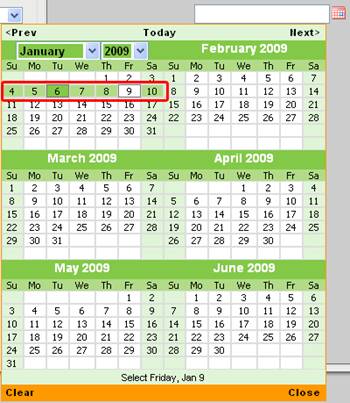
Checking the Highlight the hovered week will highlight the week that your mouse pointer is over which can be very useful for finding a date. This is a good option to check.
Lastly, you can Show days from other months which leaves no empty rectangle. The dates from other months are colored differently for visual clarity. We leave this option unchecked.