Advanced HTML Editor 3 Manual
Meet the future of Content Editing
In the Advanced HTML Editor 3 manual you will find detailed information about all the features available in this extension, along with some useful tutorials, videos and references. If you still experience any troubles working with the editor, please check Advanced HTML Editor 3 product page for additional information or contact our Live Support.


Reference: Dreamweaver Integration
All options in the new Editor are a click away and you can follow your work both in design and live view
- Great Dreamweaver Integration - Interactive dialog in Dreamweaver with all the options you'll need.
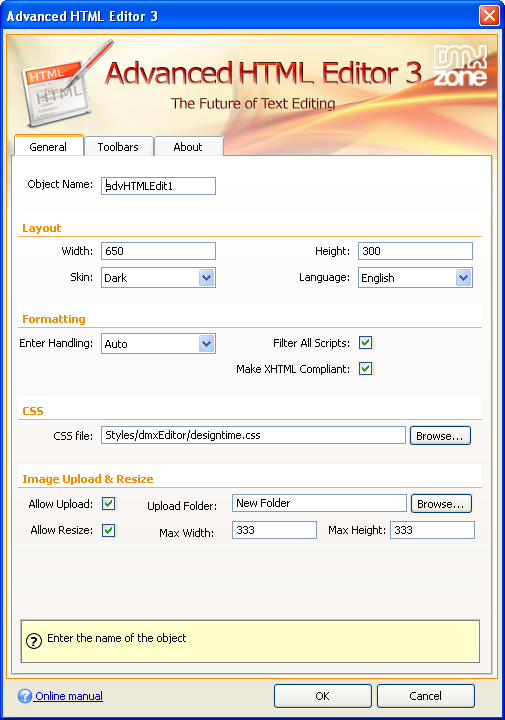
- Inline Property Inspector - The property inspector enables you to change several options after you've created the Advanced HTML Editor 3.

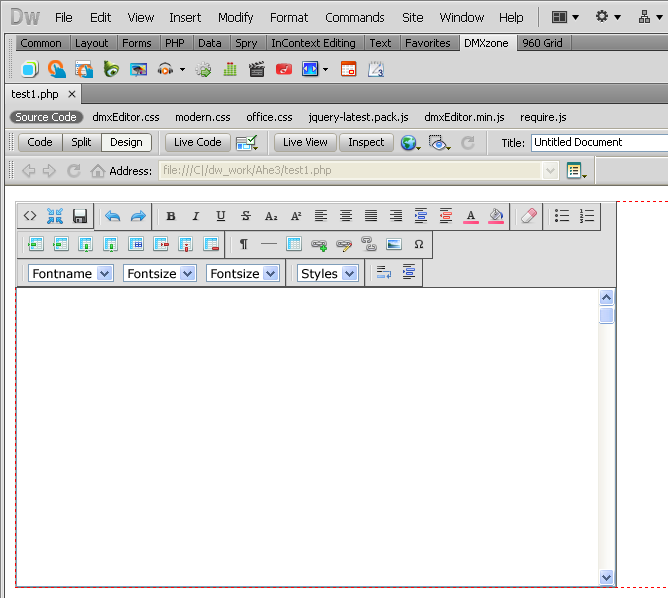
- Live and Design View in Dreamweaver - If you need a quick preview of your editor, simply use the Design view, where you can explore all the toolbars, skin and iconset that have been selected.
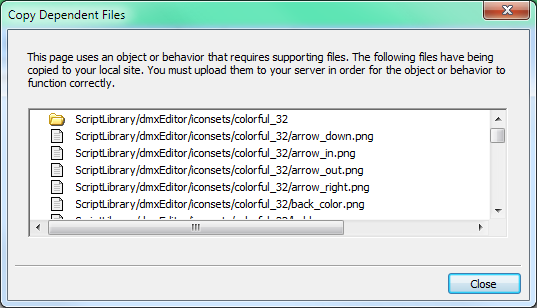
- Dependent file copy and synchronization - Great dependent file copy and synchronizations built-in and integrated with Dreamweaver file upload and site synchronization
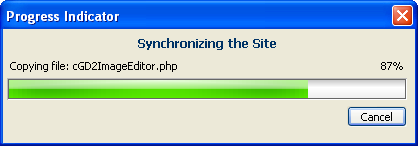
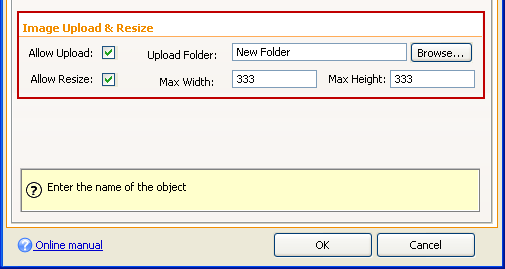
- Image Upload and Resize possibilities - If you own the Pure PHP2 /ASP Upload 3 and Smart Image Processor PHP/ASP 2 serverside extensions, you can upload and resize images directly from your computer, which is greatly presented from a beautiful progressbar.
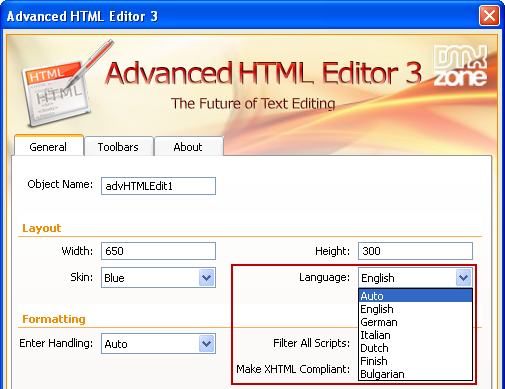
- Many Integrated Languages - We've integrated many languages so you can work with your editor the easiest possible way.
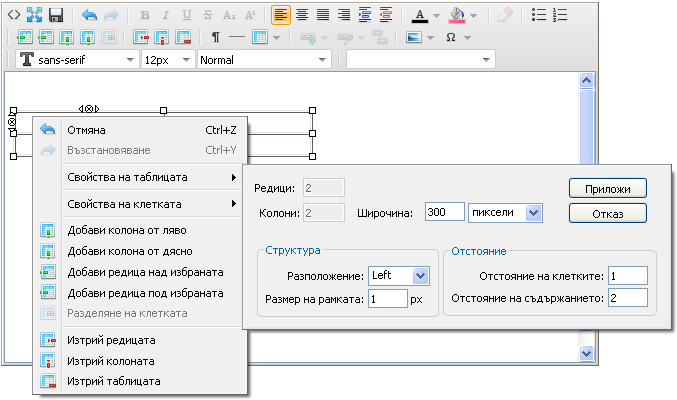
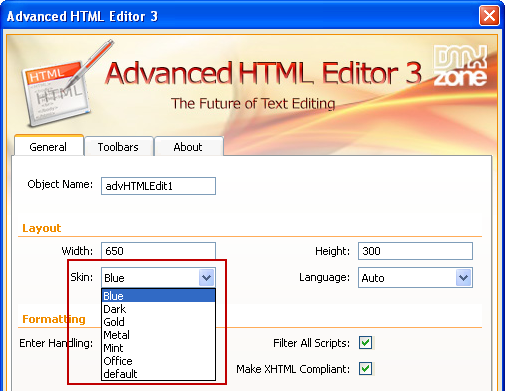
- 7 Design Skins - The Advanced HTML Editor 3 is supplied with seven pure CSS designed skins.
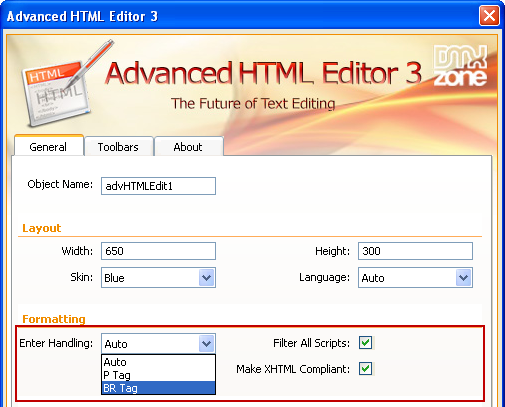
- Formatting - You can enable or disable any JavaScript usage in your HTML, force XHTML style and define your enter handling - paragraph (p tag) or break line (br tag).
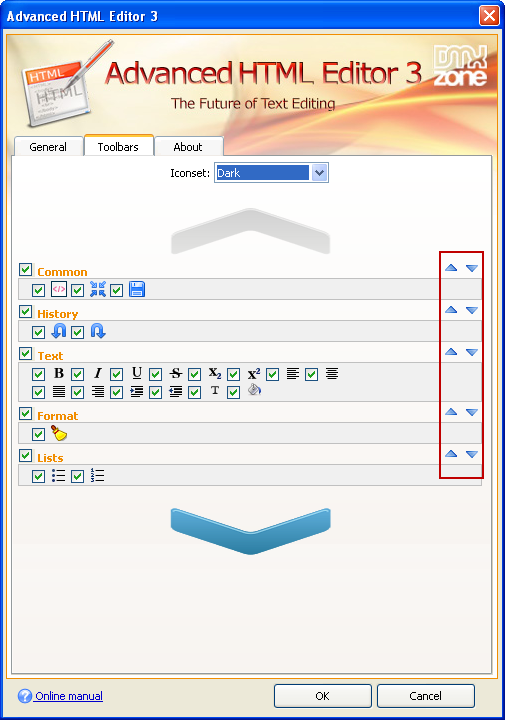
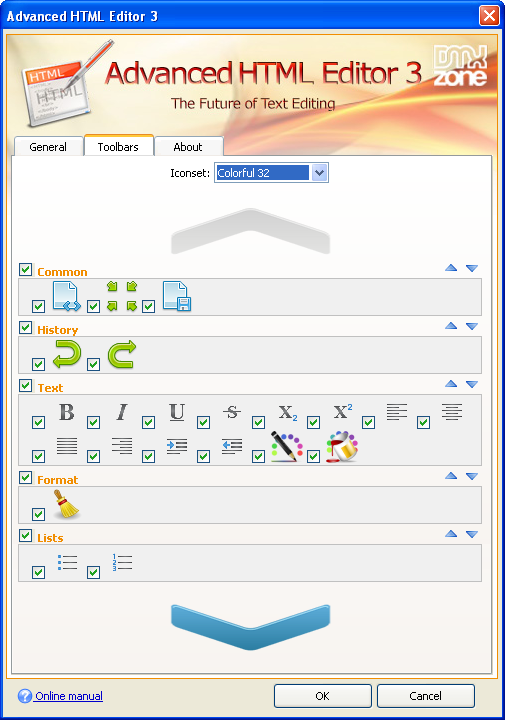
- Full Toolbar Customization and Preview - Live preview of the selected toolbars and iconsets as well as the position of the toolbars, which can be changed any time.
Comments
Can"t apply using Dreamweaver 2021 on Mac Big Sur
You must me logged in to write a comment.