Pure PHP/ASP Upload Add-On Manual
Learn how to use the Pure PHP/ASP Upload Add-on Pack
In this article you will find all the needed information on how to work with Pure PHP/ASP Upload
Add-on Pack. The manual has been created with the PHP version but it can be done the exact same way also on ASP. We covered all extensions that are packed in this Add-on so you can use them easily.


Advanced: Using Mail Uploaded Files Server Behavior
In this tutorial we will show you how to Mail Uploaded Files with Pure PHP/ASP Upload Add-on Pack.
*You can also check out the video.
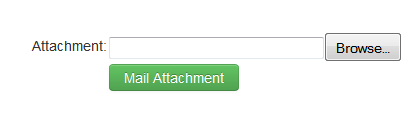
How to do it
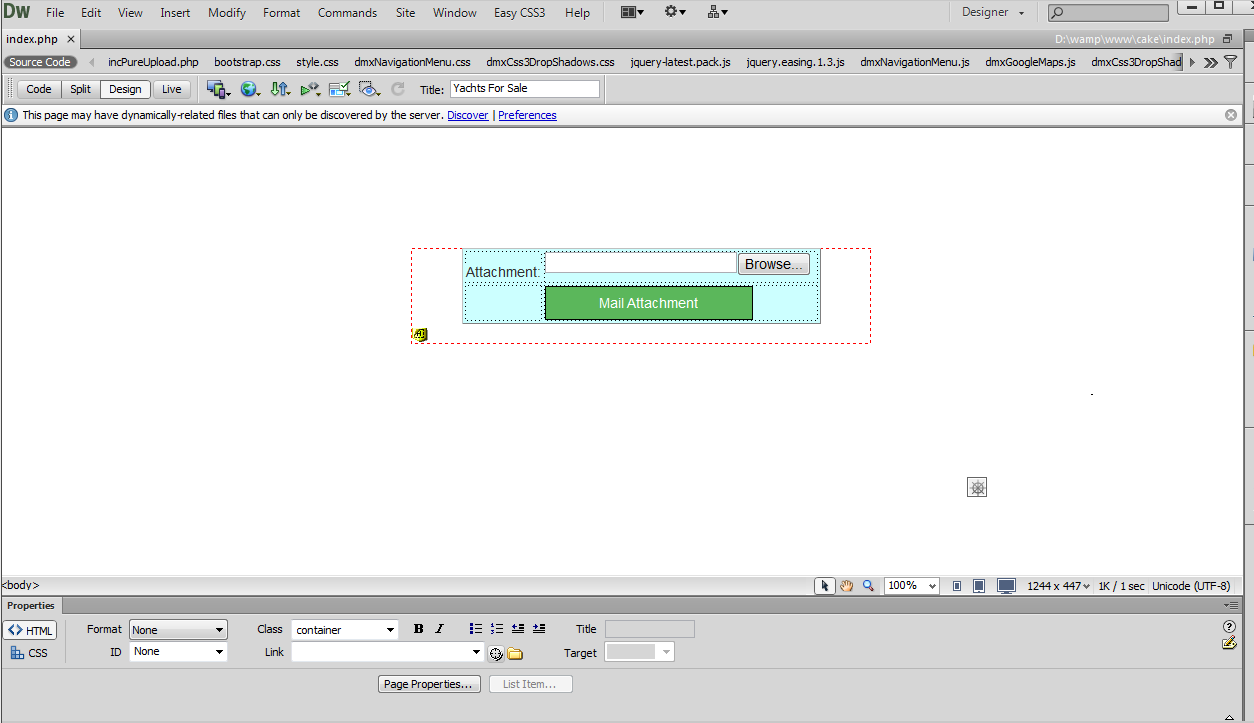
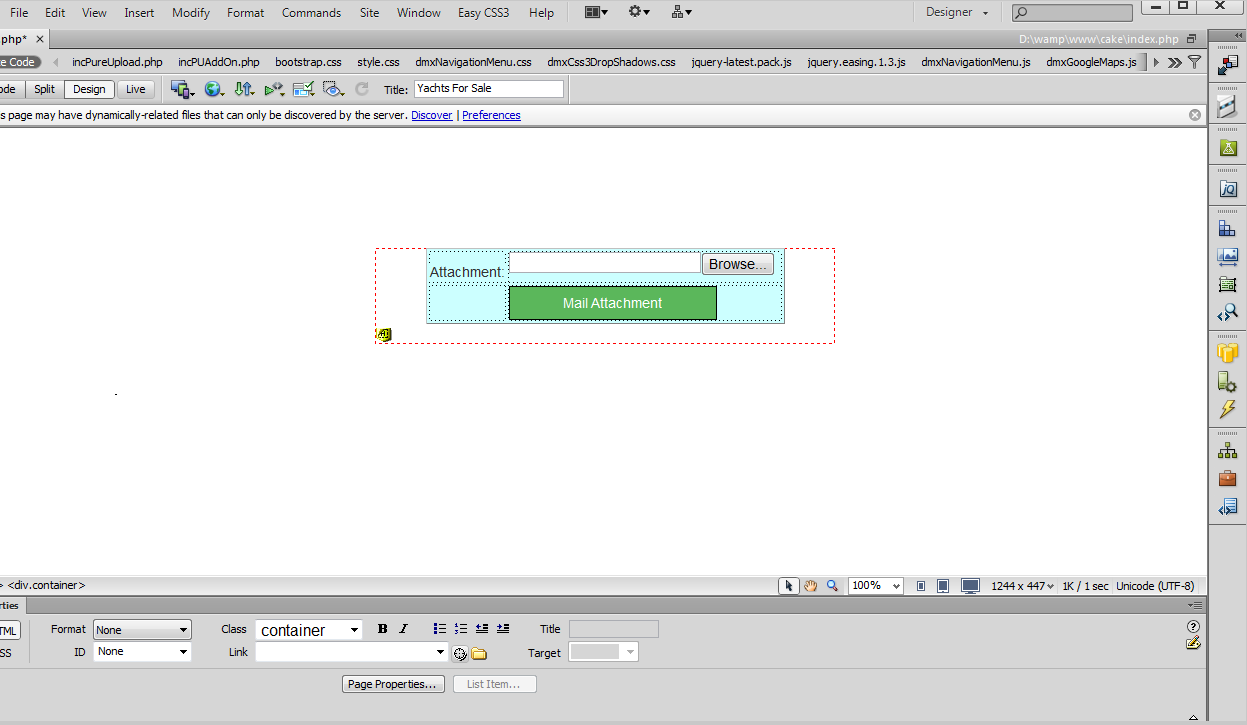
- For this tutorial we've already placed a form
containing the Pure PHP
Upload 2 on our page.
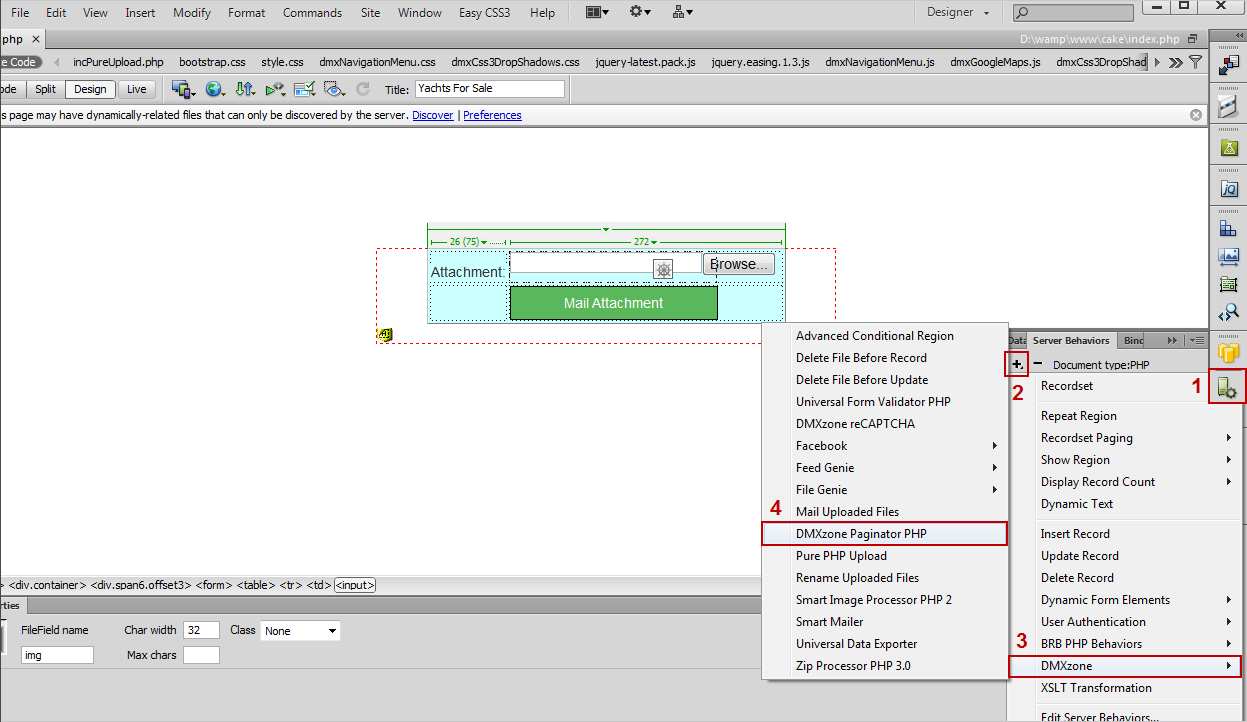
- From the Server Behaviors menu (1), click the Add
item button (2), select the DMXzone Menu item (3) and choose Mail
Uploaded Files (4).
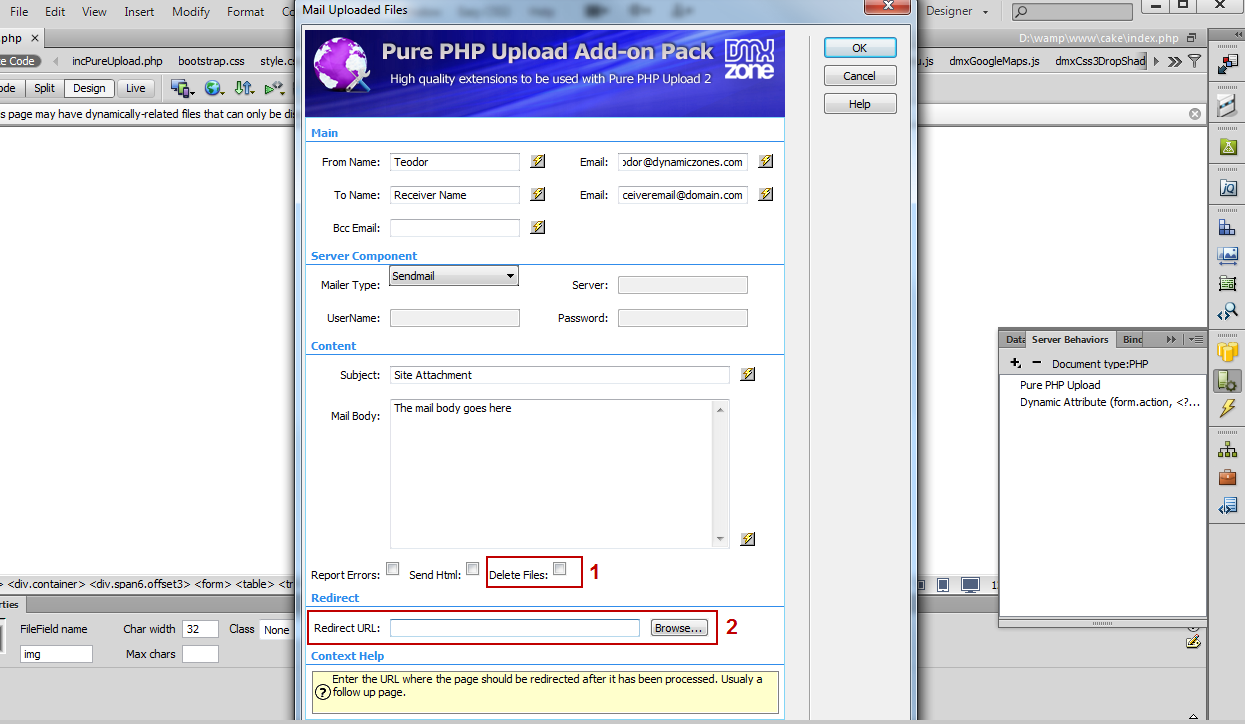
- In the Mail Uploaded Files window, enter (manually or dynamically) the sender and receiver names and emails (1), select the mailer type, in our case is the sendmail component on our server (2), and add the mail subject and body text (3), that can also be static or dynamic.
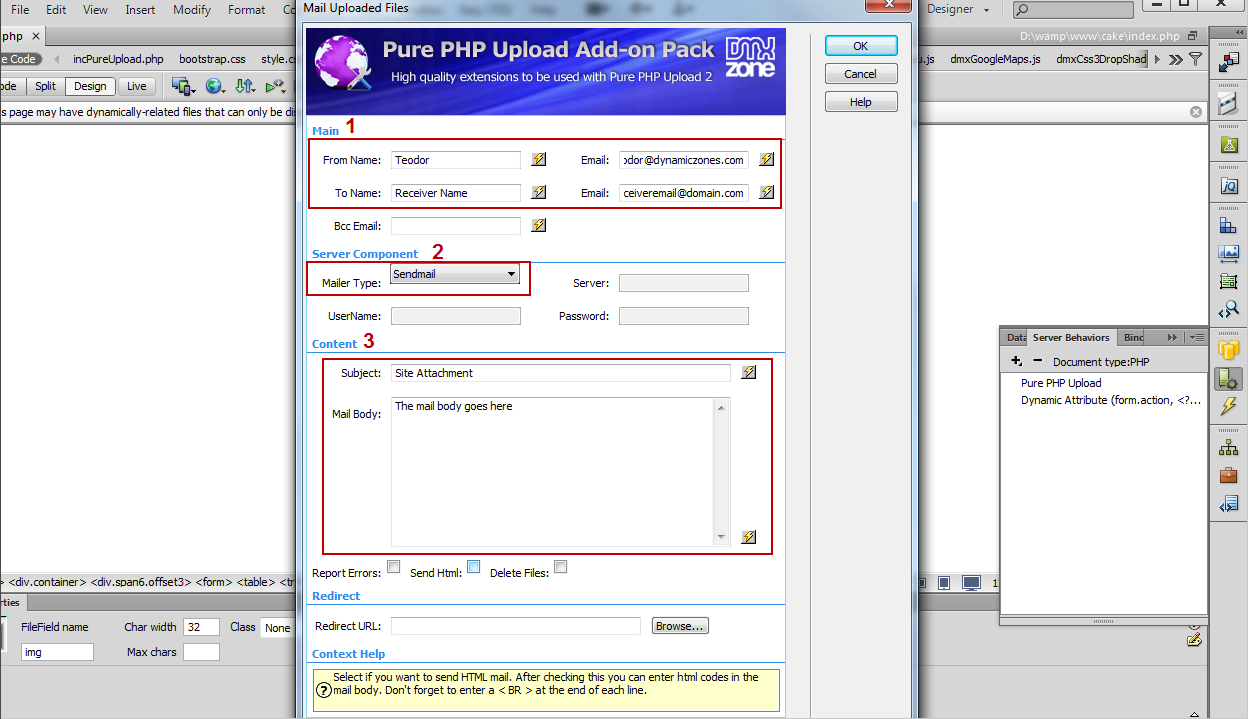
- Select the Delete Files check box (1) in order to delete the files from the upload folder as soon as the mail is sent. Also you can add a "Thank you", for example, or any other page in the Redirect URL field (2).
- Now you can save your work and preview the results in your browser.
Comments
Can't see prefix as an option
You must me logged in to write a comment.