Pure PHP/ASP Upload Add-On Manual
Learn how to use the Pure PHP/ASP Upload Add-on Pack
In this article you will find all the needed information on how to work with Pure PHP/ASP Upload
Add-on Pack. The manual has been created with the PHP version but it can be done the exact same way also on ASP. We covered all extensions that are packed in this Add-on so you can use them easily.


Advanced: Using Rename Uploaded Files Server Behavior
In this tutorial we will show you how we will show you how to Rename Uploaded Files with Pure PHP/ASP Upload Add-on Pack.
*You can also check out the video.
How to do it
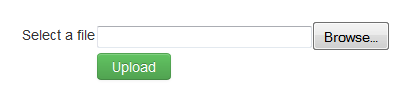
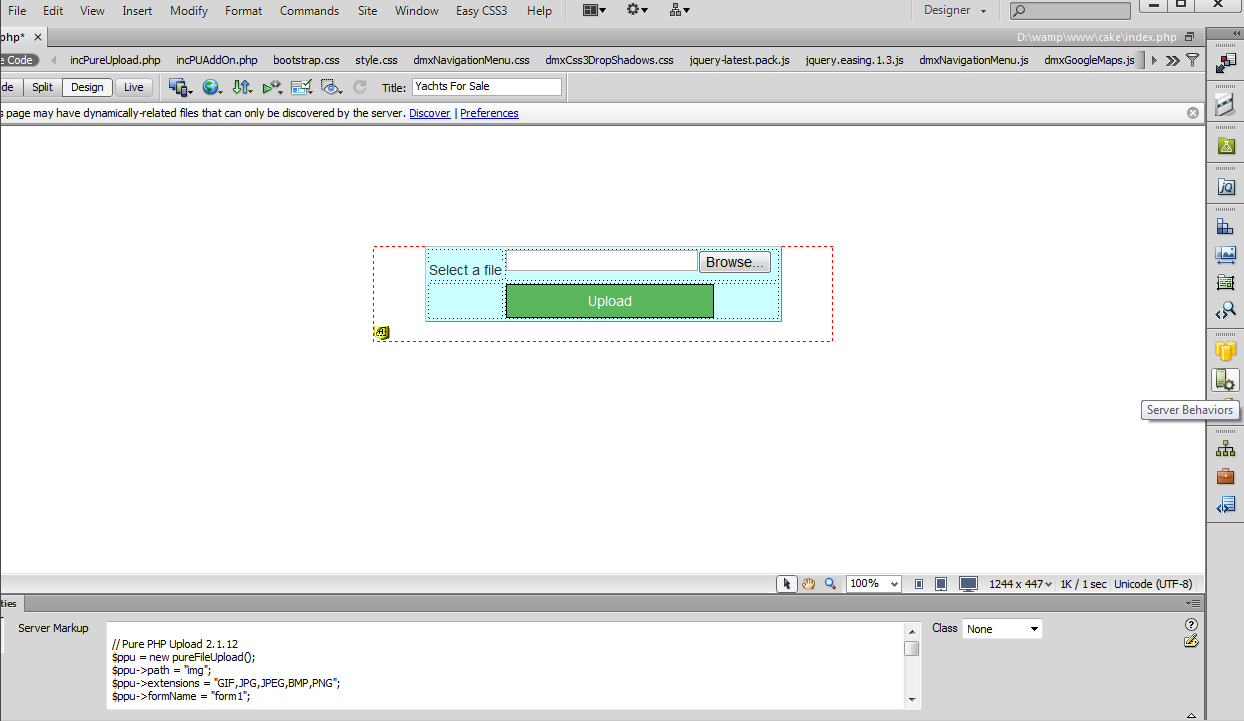
- For this tutorial we've already created an upload form
containing Pure
PHP Upload 2 and set the extension Conflict Handling to: Make
Unique.
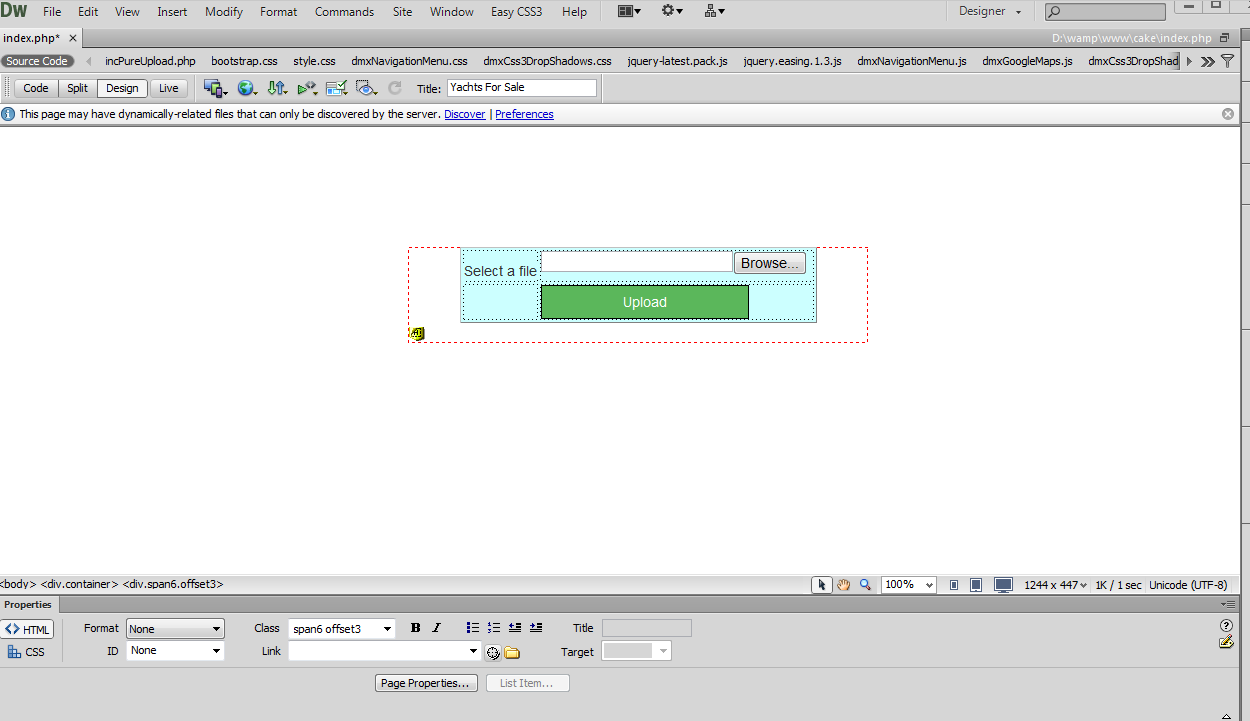
- From the Server Behaviors menu (1), click the Add
item button (2), select the DMXzone Menu item (3) and choose Rename
Uploaded Files (4).
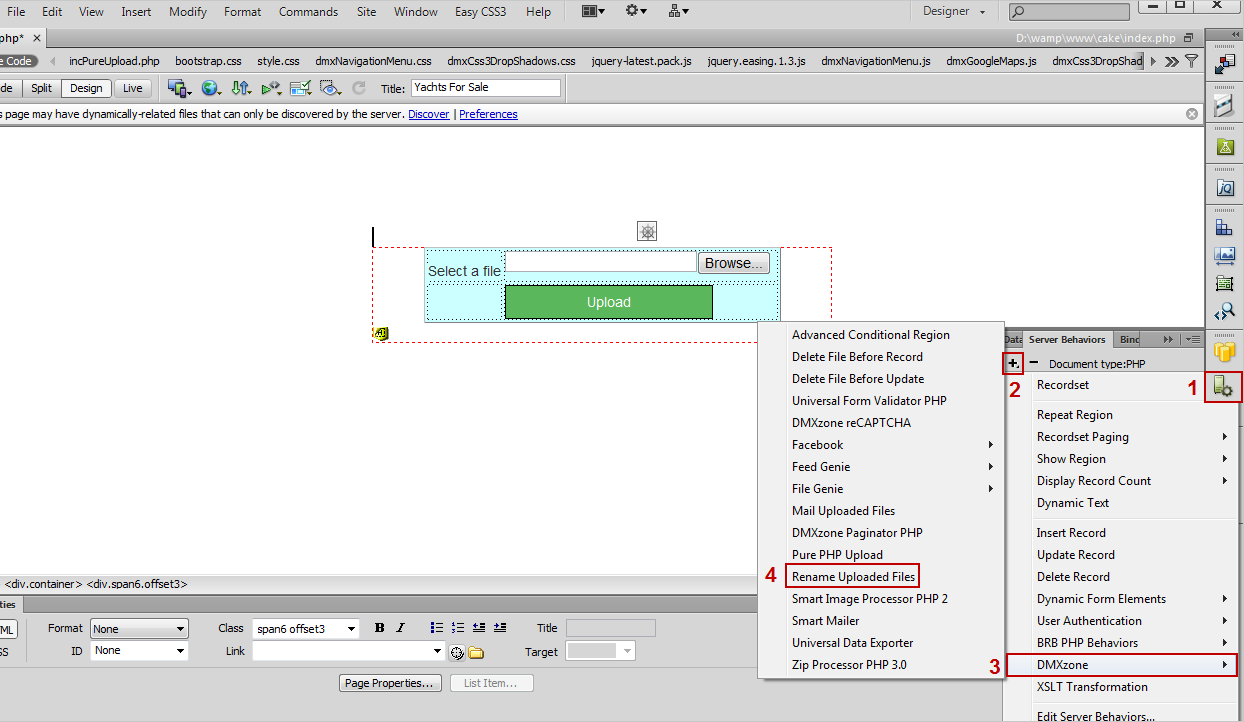
- In the Rename Uploaded Files window, in the default rename mask, we will change the myFile_ prefix with Uploaded_. The "##name##" part of the mask is the filename and the "##ext##" is the file extension.
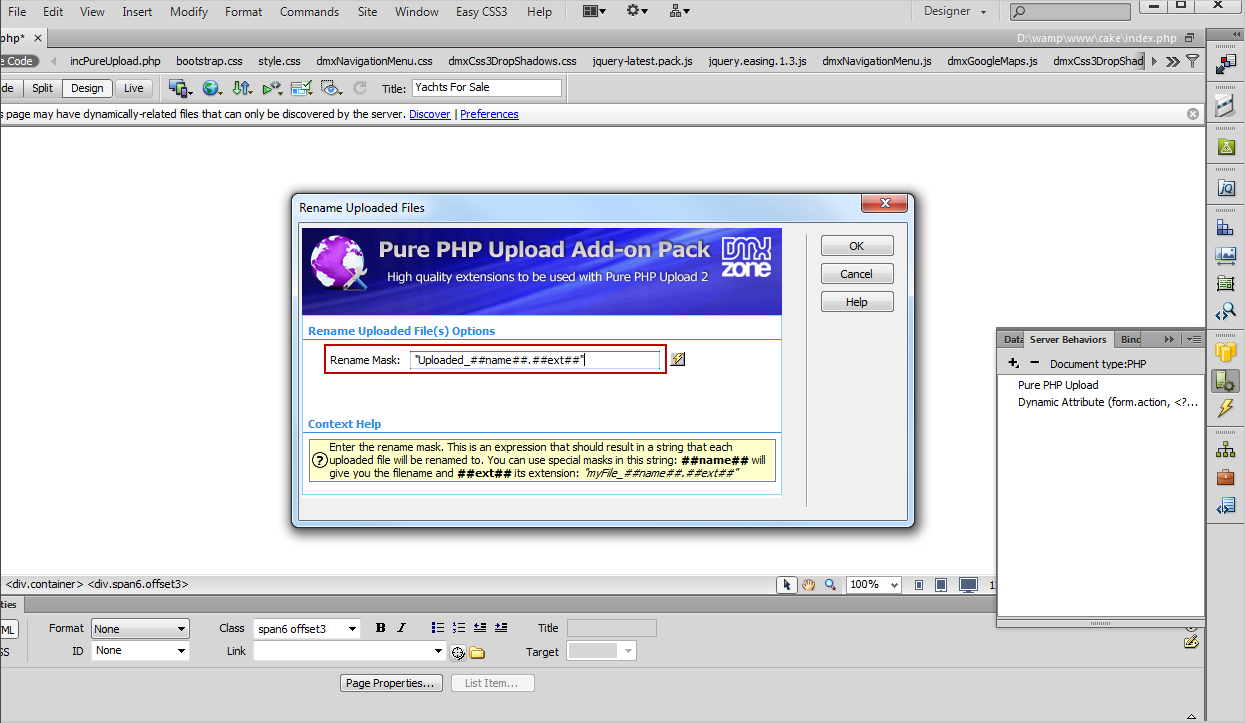
- Now you can save your work and preview the results in your browser.
Comments
Can't see prefix as an option
You must me logged in to write a comment.