DMXzone Cordova Builder Manual
Learn how to work with DMXzone Cordova Builder extension
In this article we have nine extremely useful tutorials to teach you how to work with DMXzone Cordova Builder Dreamweaver extension. We covered everything from setting up your system for the extension to building apps for iOS, Android, Firefox OS, BlackBerry 10, Amazon Fire OS and Windows, both phone and desktop. All tutorials are also available in video format. If you experience any troubles with this tool, please write in the support forums or call our Live support during business hours.
Prev Index Next
Advanced: Build Android Apps with DMXzone CordovaBuilder
In this tutorial we will show you how
to run your app in Android Emulator or on your connected Android device.
*You can also check out the video.
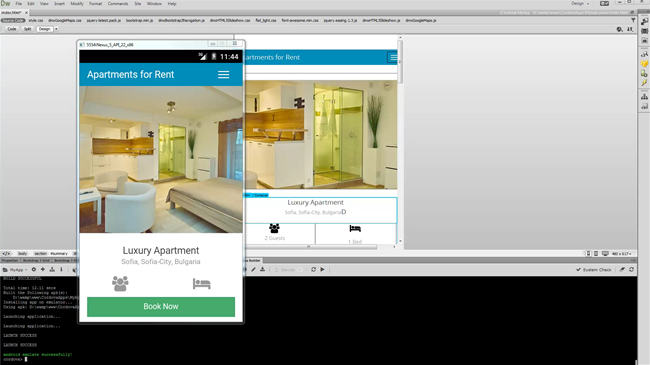
How to do it
- We've already set up a Cordova site for Android so we are
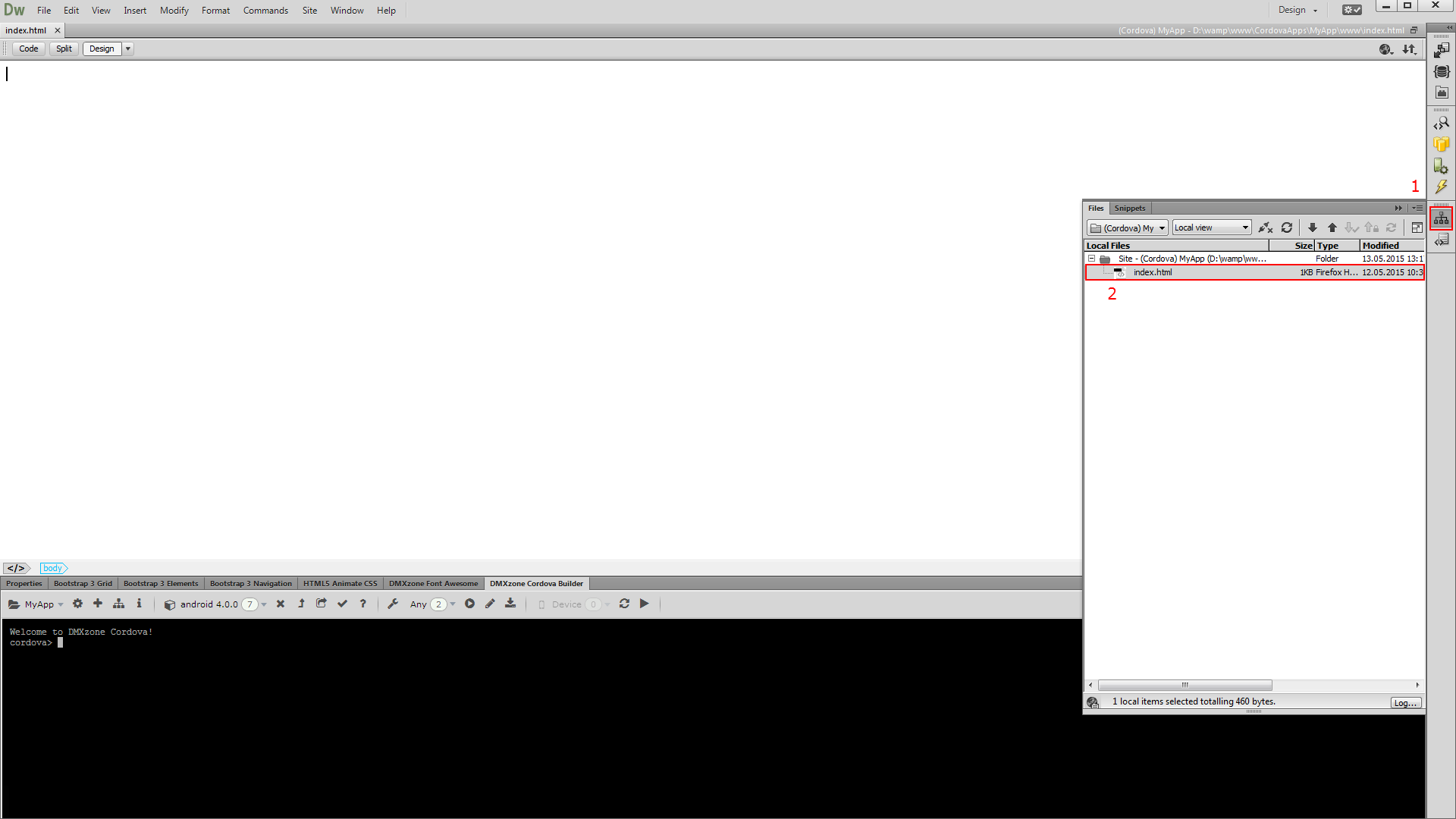
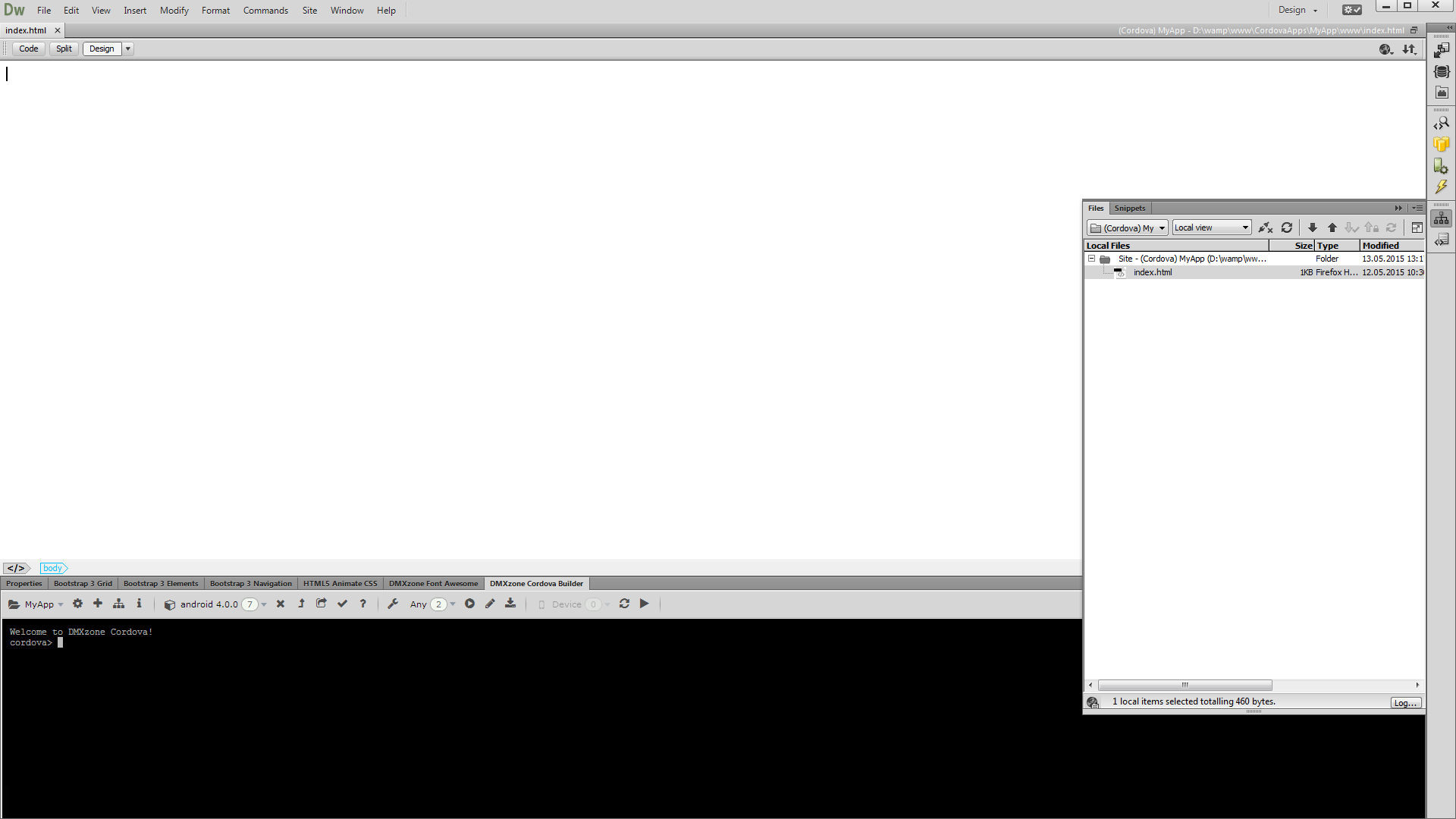
ready to build our app in Dreamweaver. From the files panel (1) double click the index.html file (2).
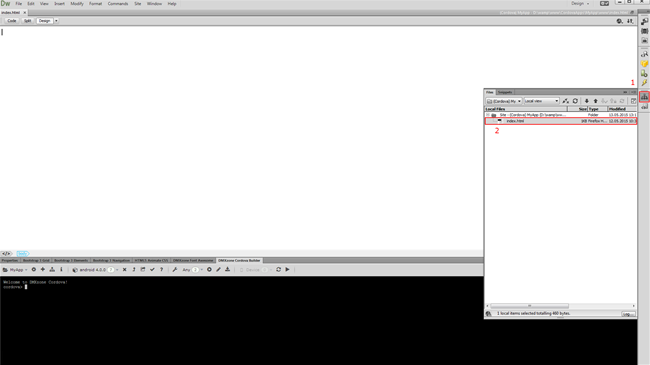
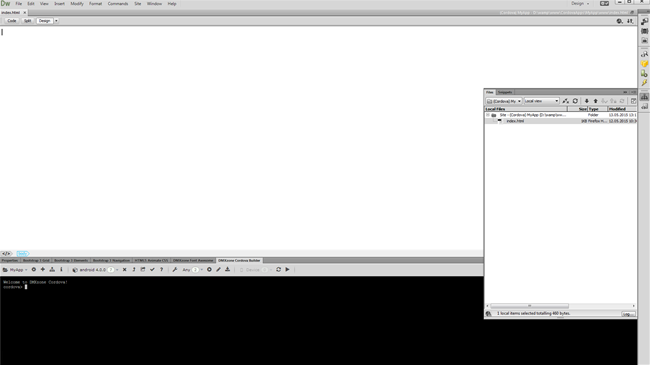
- You've just loaded the empty Cordova starter page.
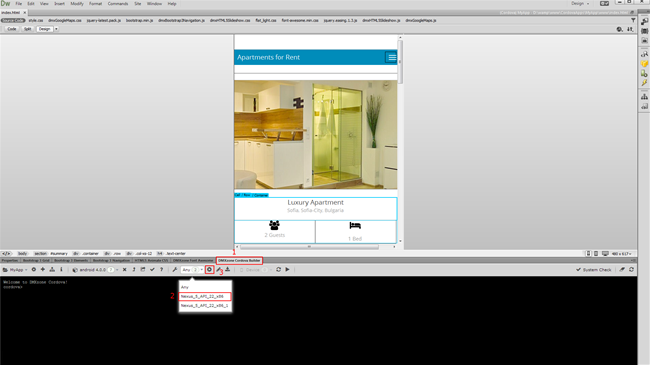
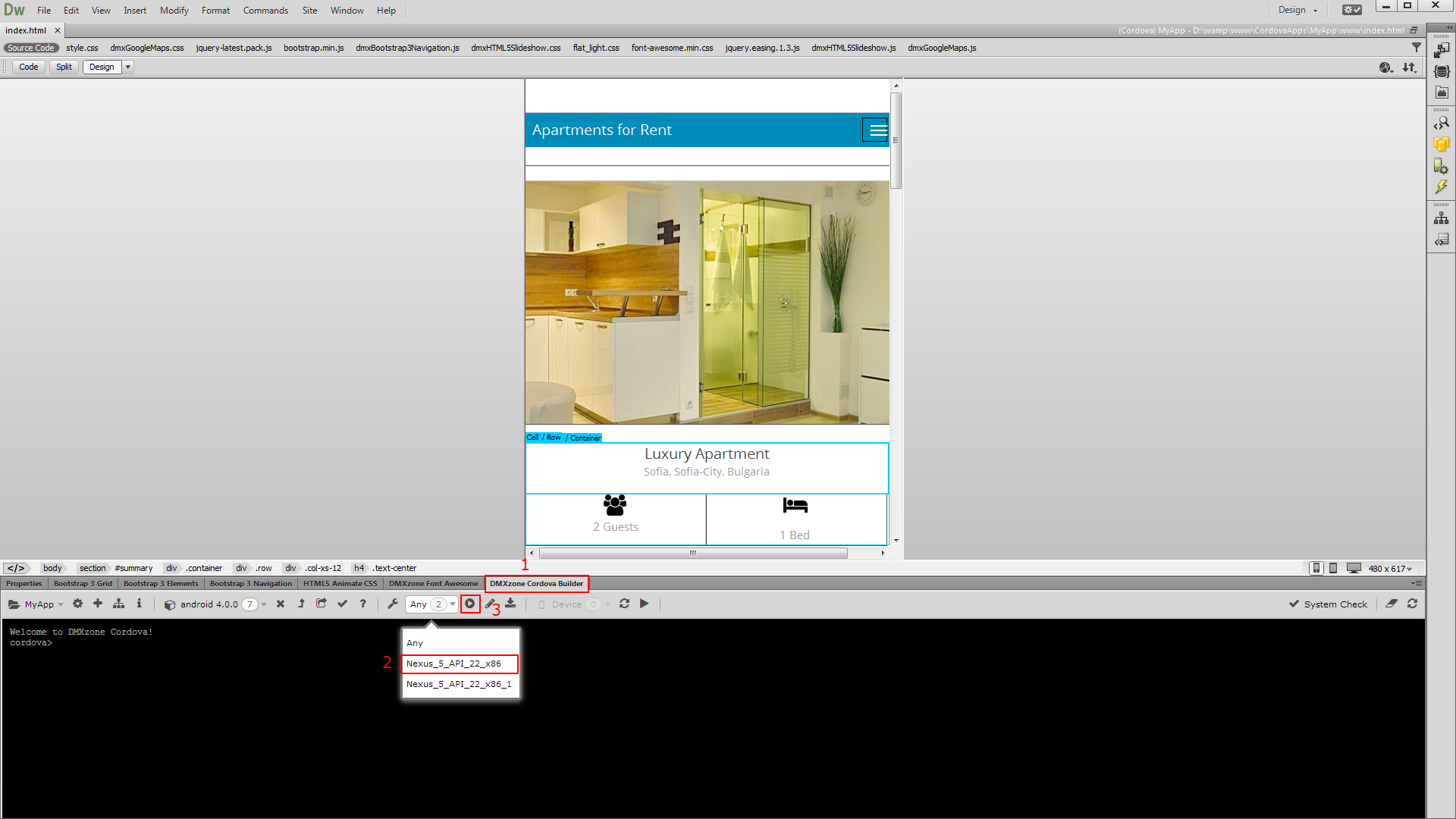
- We built a really simple and static app, using DMXzone
Bootstrap 3, HTML5 Slideshow 2 and DMXzone Google Maps 2. Now switch to DMXzone
Cordova Builder (1), select the virtual device to run the app
on (2) and run the emulator (3).
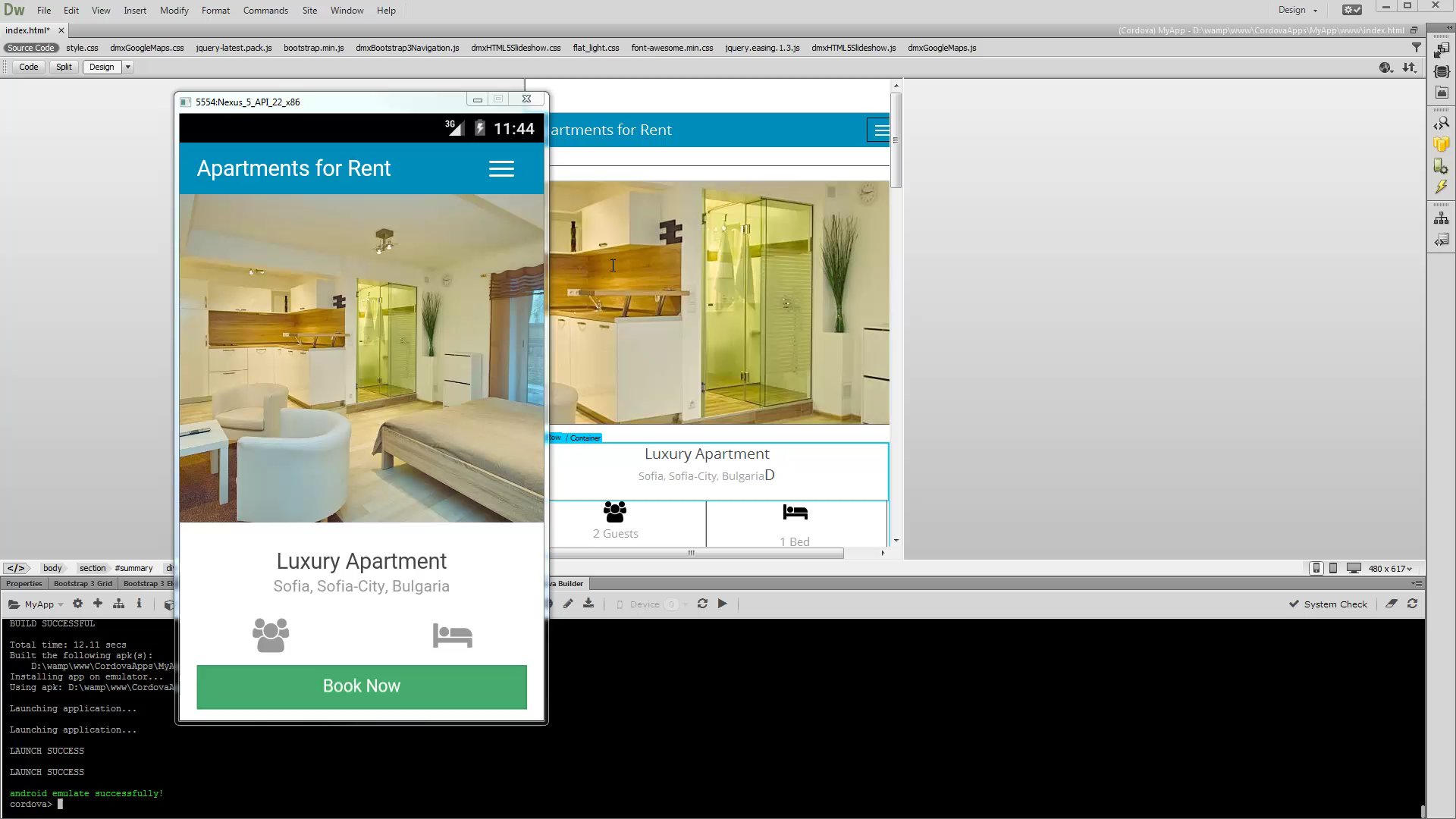
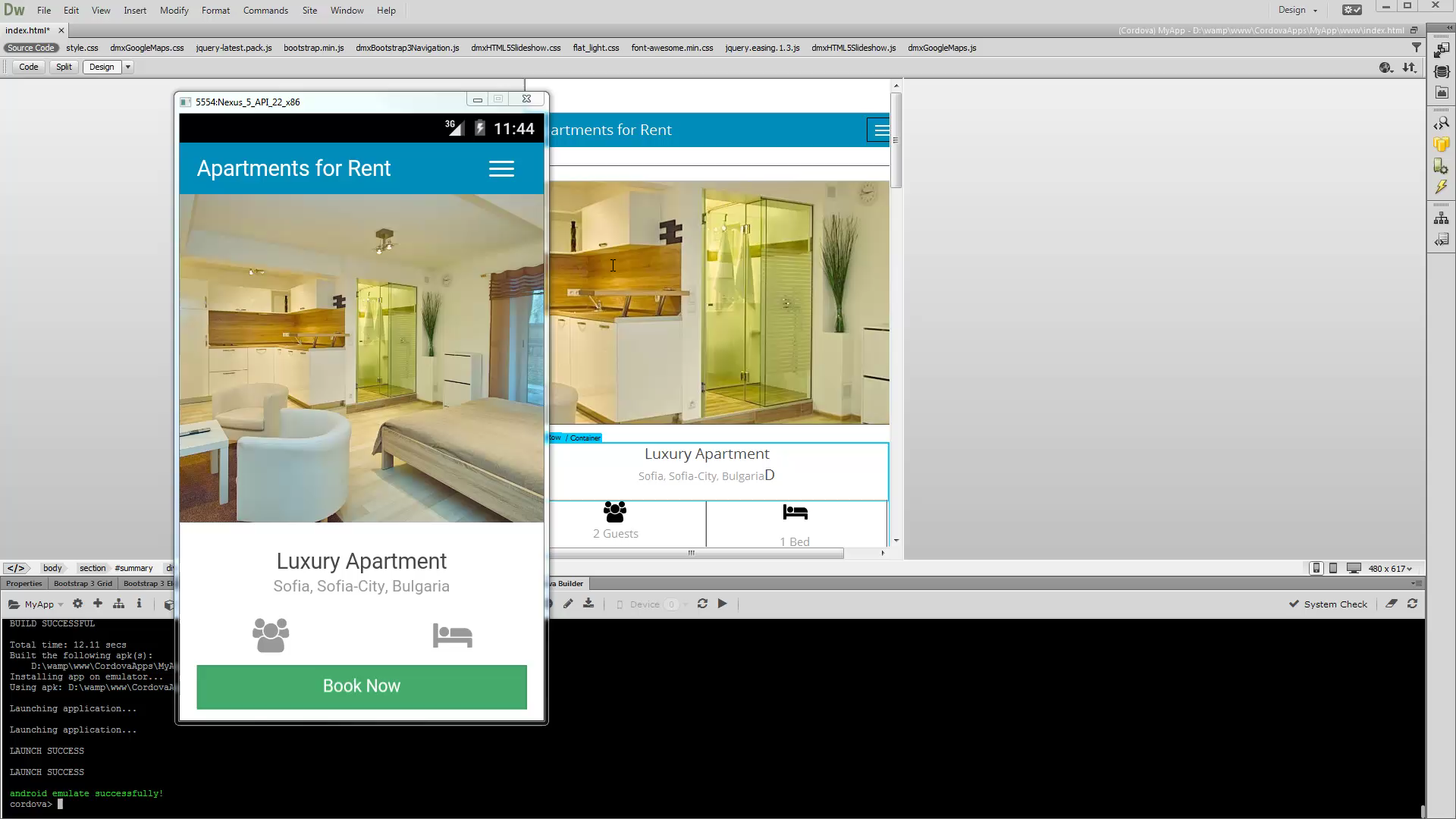
- It takes a few seconds for the emulator to load. Now you
can see how your app looks like.
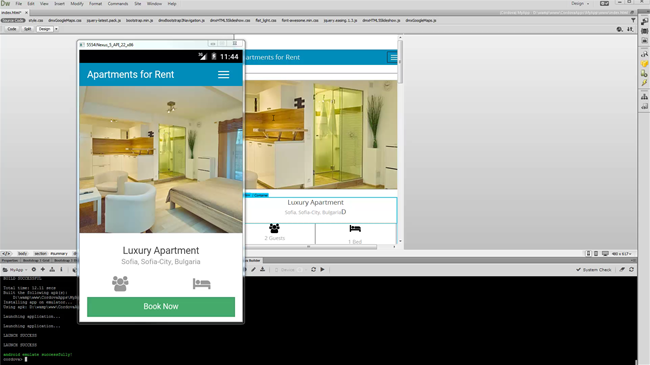
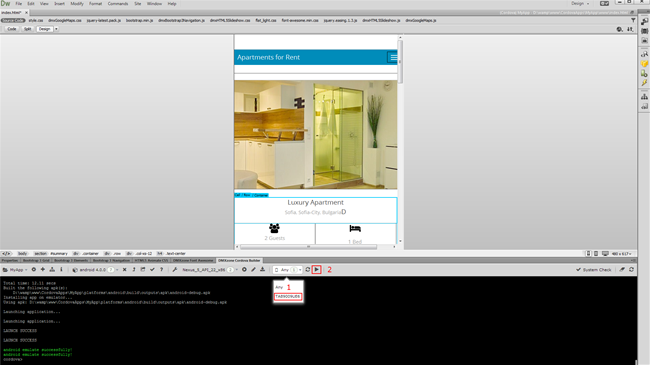
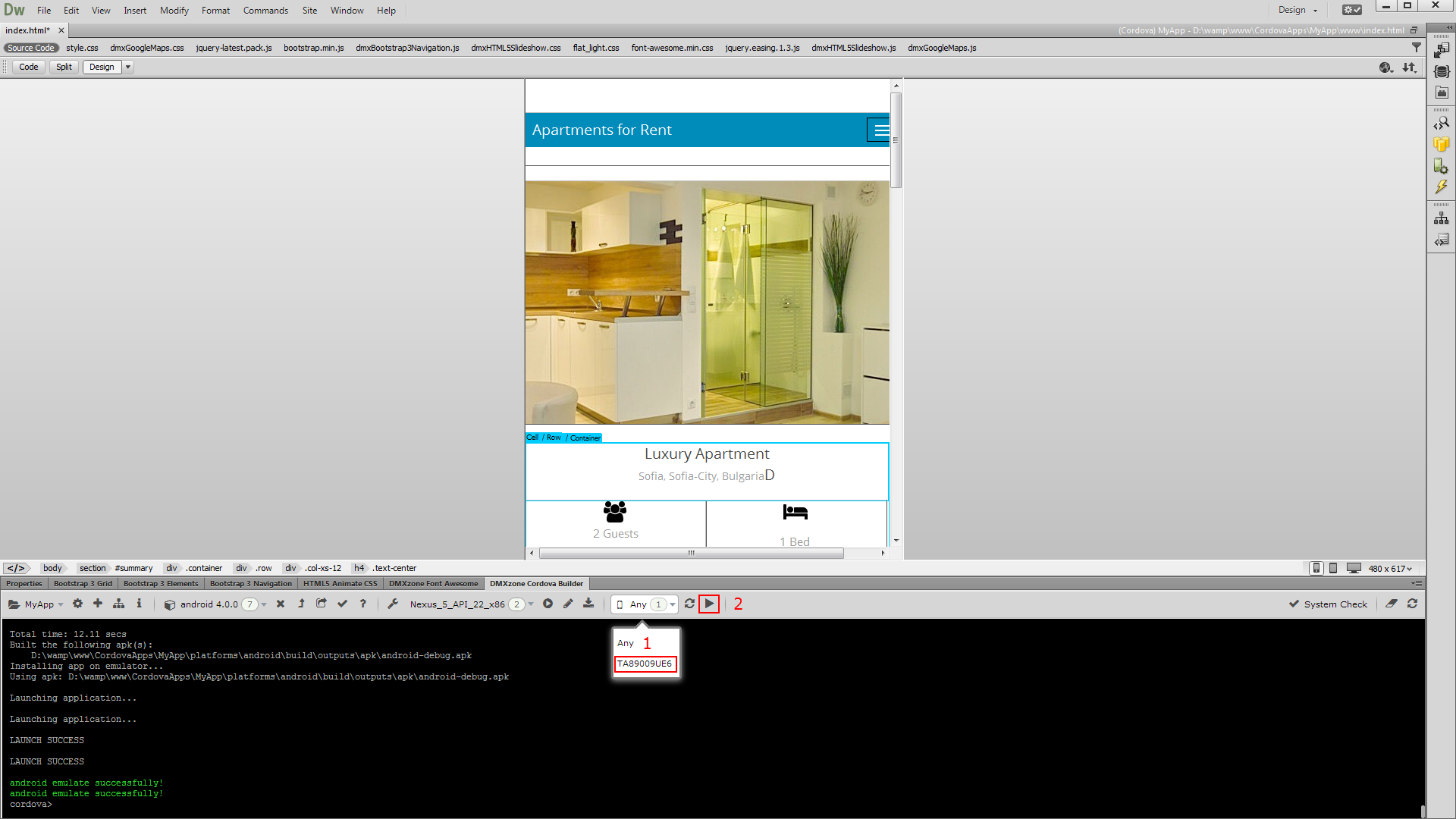
- When you connect an android to your computer you can also
run the app directly on it. Note that in order to be able to do this you
should enable the USB debugging on your device. Your device will
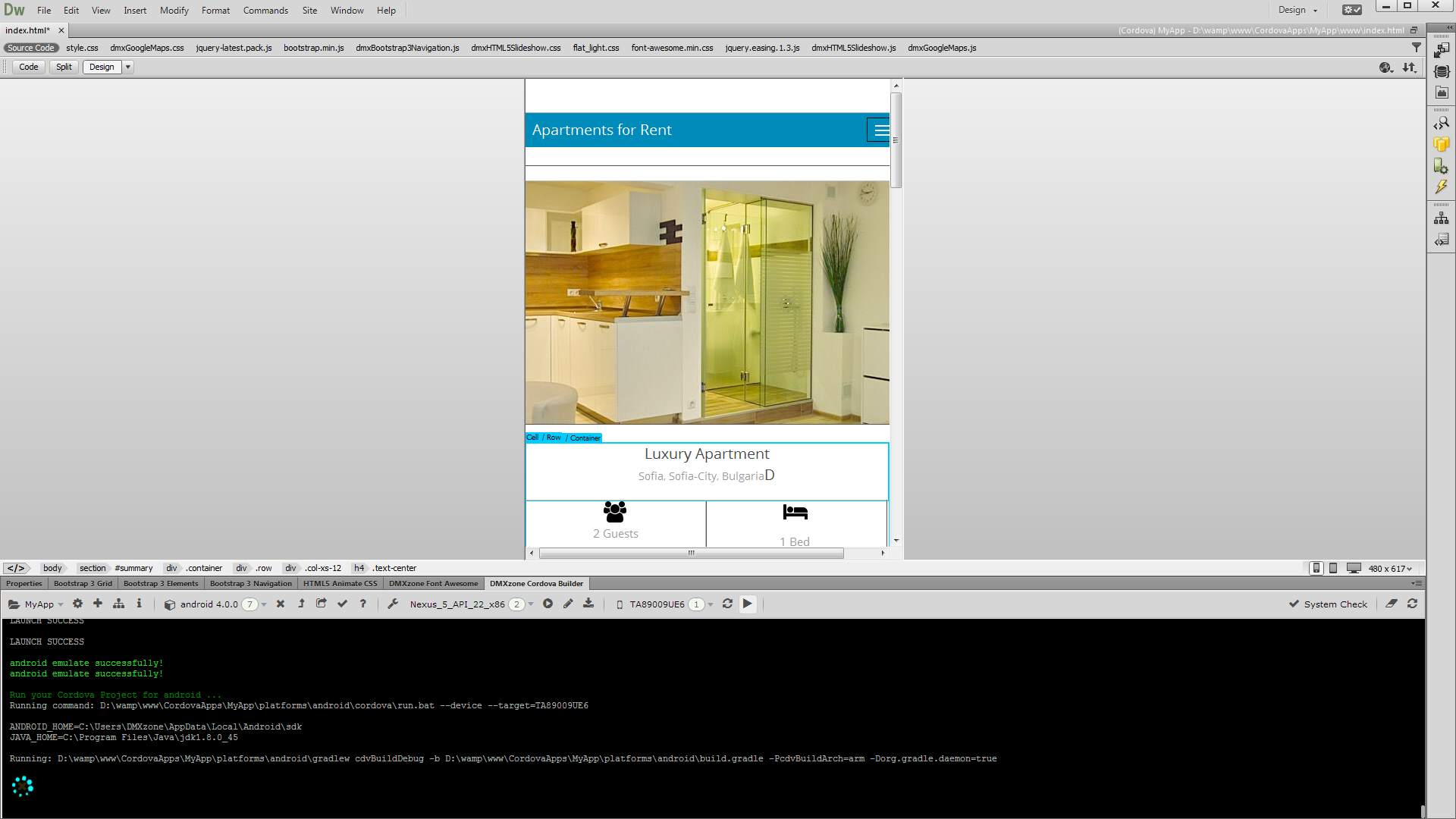
appear in the connected devices list. So just select its ID (1) and
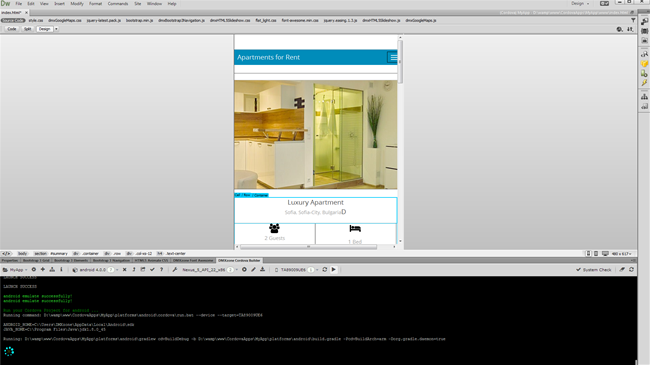
click the run on device button (2).
- That's how easy it is to build your app and run it in
Android Emulator or on your connected Android device.
Prev Index Next
Comments
Be the first to write a comment
You must me logged in to write a comment.